Every direct booking is one without commission
A place to stay lives on availability. The guest wants to see right away whether a room is free and what it costs. The owner never wants a double booking. In this demo those two sides are connected.
- Industry
- Stays: rooms, houses and cabanas
- Built
- Booking site, price calculator and dashboard
- Status
- Demo, fully working
Log in to the dashboard tooChanges are reset every hour
Click around as the owner and feel free to change things. Every hour the demo resets itself to the starting point.
demo@amresh.sr- Password
Welkom123!
The guest in action
From interest to request
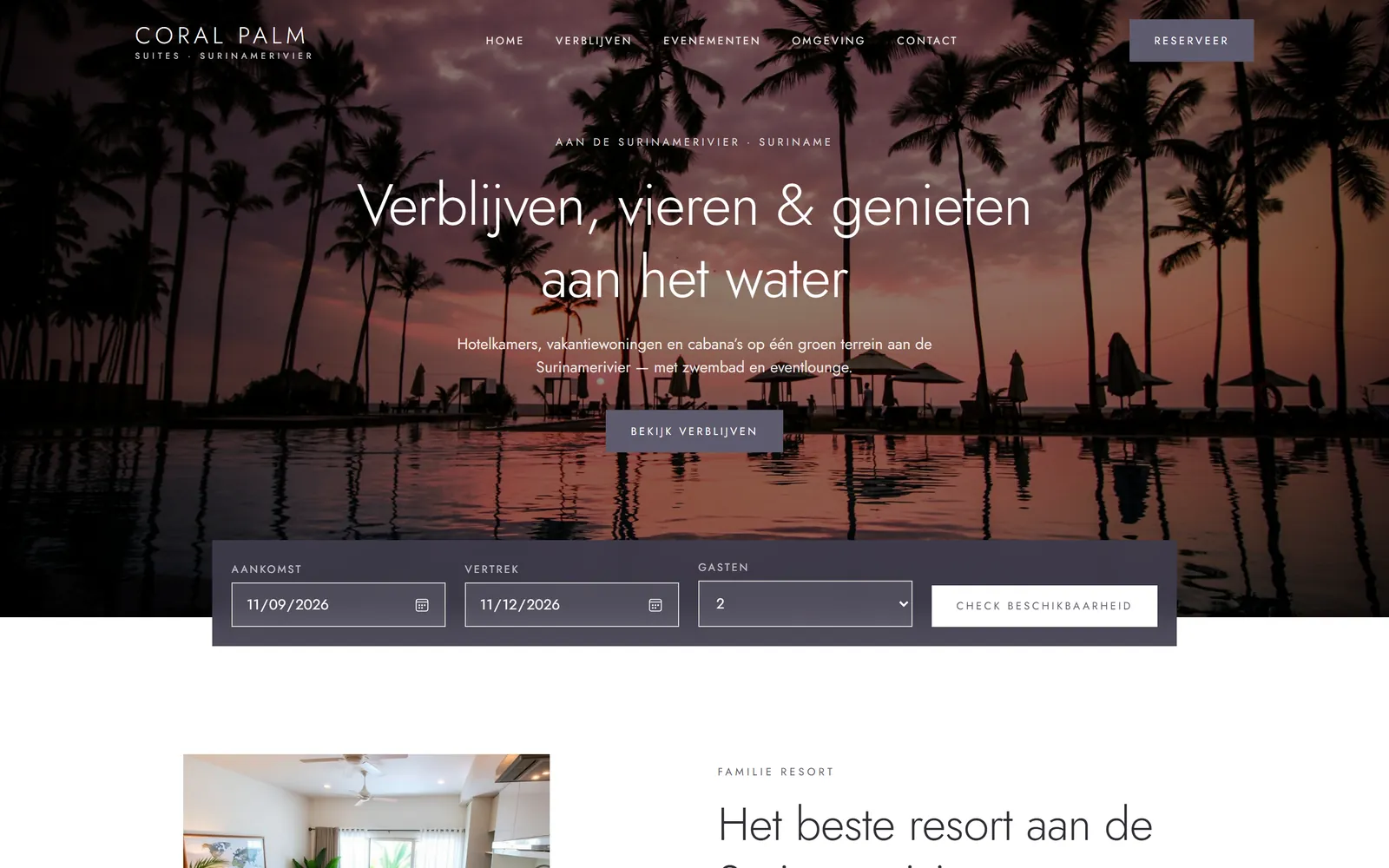
A guest searches for a stay, picks dates and sends a request. No back-and-forth calls or emails.
What you see: A recording of the request flow on the website, from the search bar to the confirmation.
Walkthrough
The owner’s dashboard
Filtering requests, checking the calendar, changing a rate and confirming a booking.
What you see: A recording of the dashboard in the demo environment. The data in it is sample data.
Front end · what the guest does
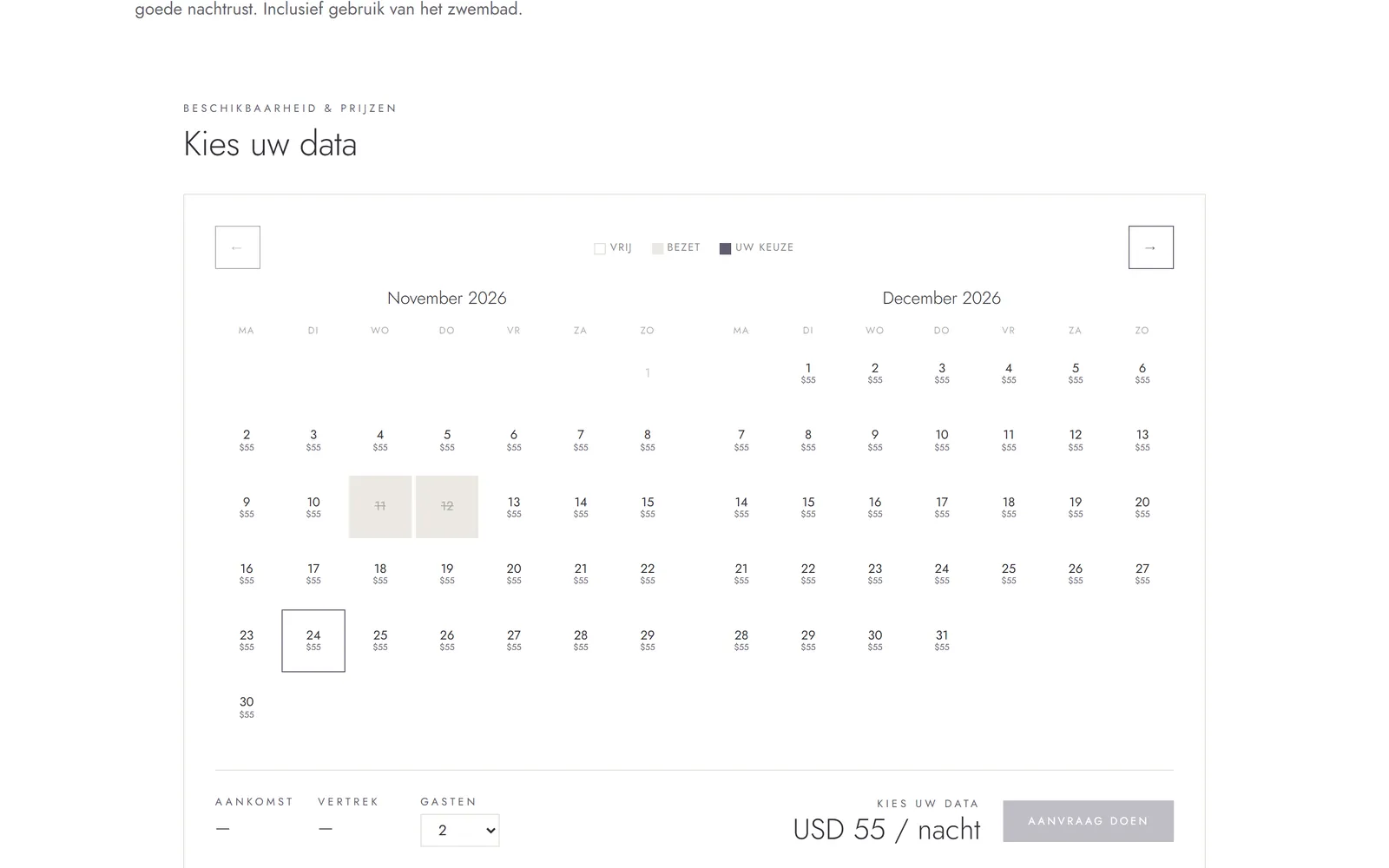
Pick dates, see the price
Every room page has a calendar. The guest sees which nights are free and what a night costs, before filling anything in.
What you see: The room page with a two-month calendar. Booked nights are grey and the price per night is shown below the calendar.
Back end · what the owner sees
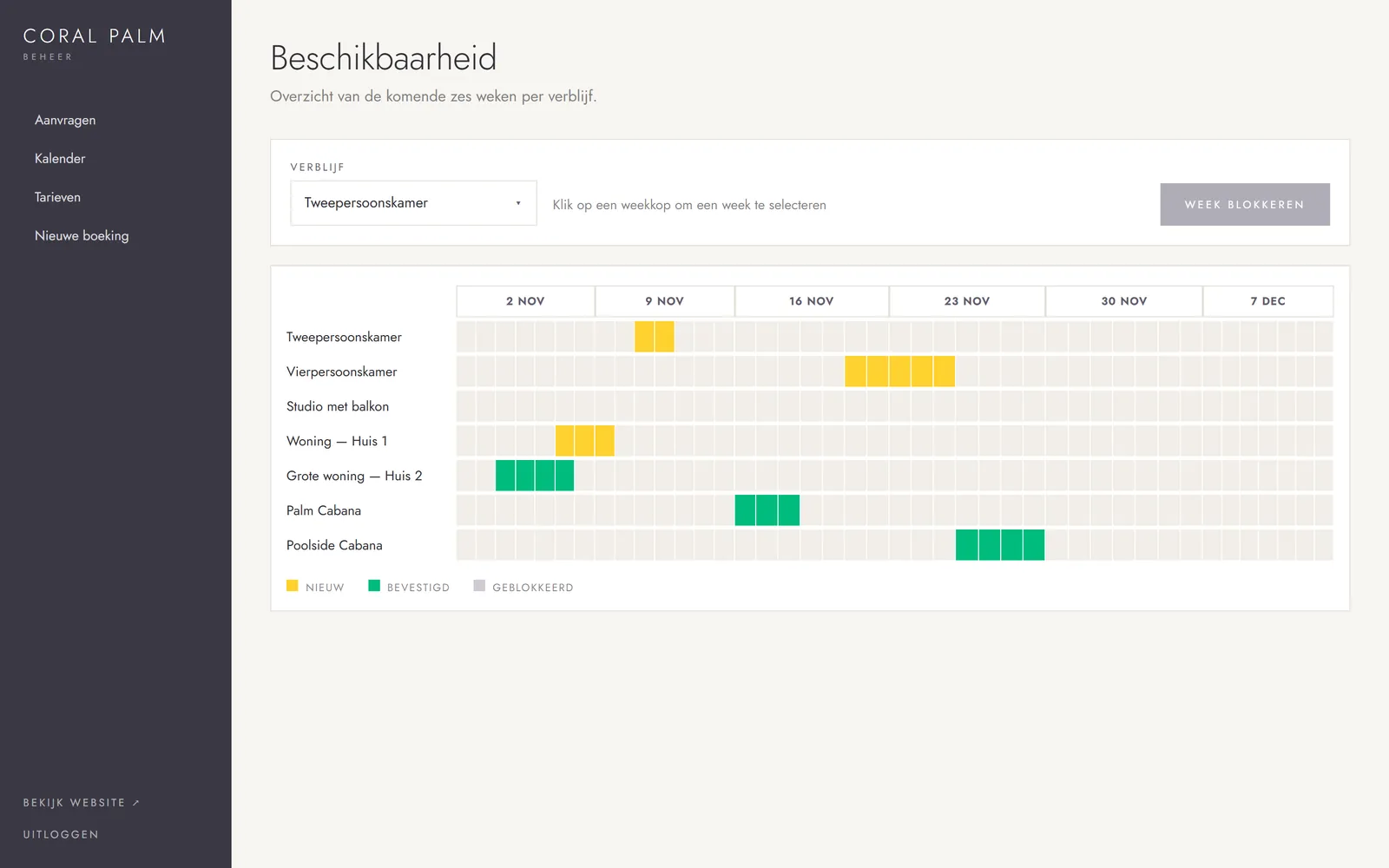
One calendar for everything
The owner sees the occupancy of every unit in one overview. A confirmed booking blocks the nights on the site immediately, so double bookings can’t happen.
What you see: The availability overview in the dashboard: a row per unit, with coloured blocks for requests and bookings.
Front end · knowing the cost up front
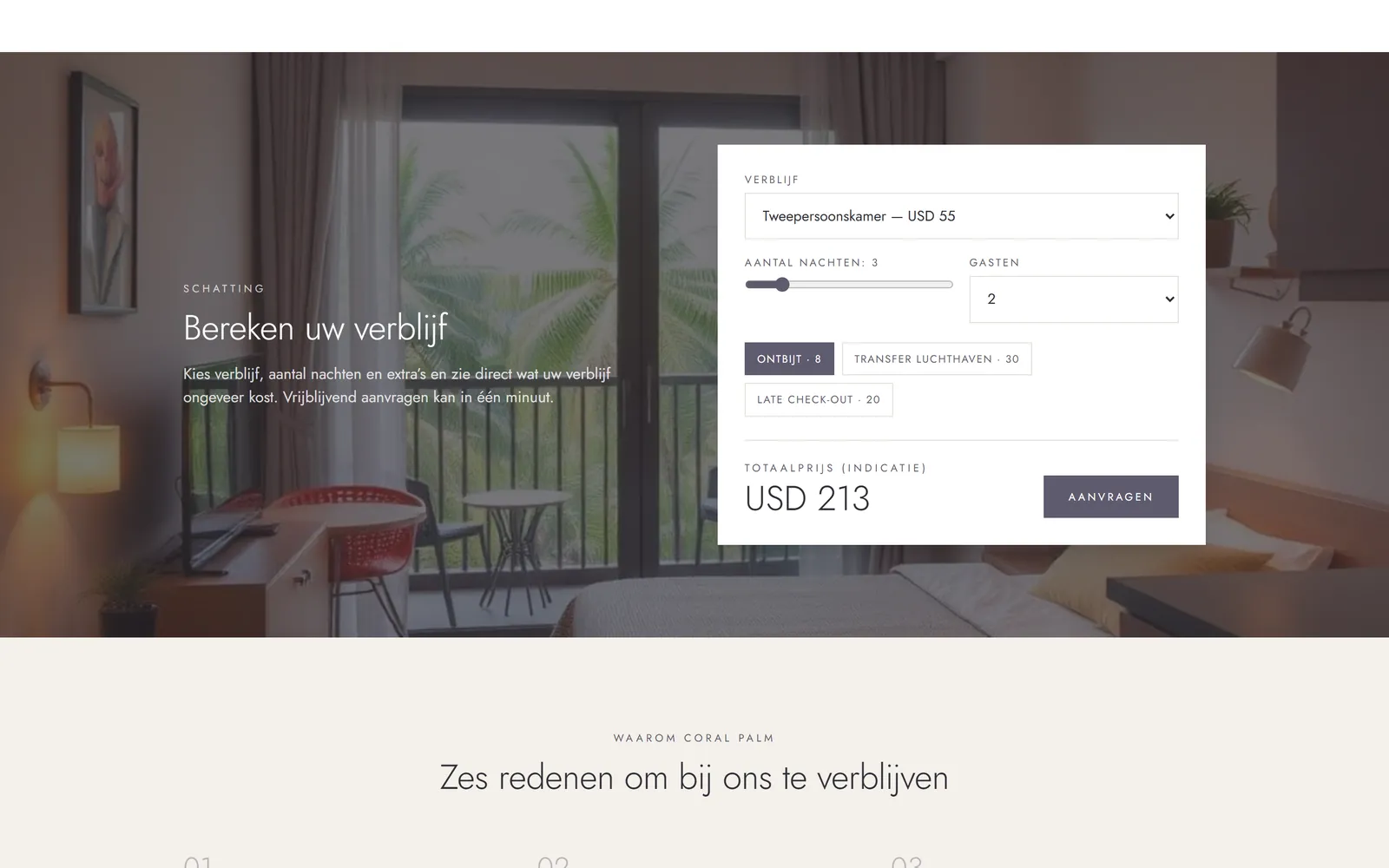
No surprises
The calculator works out the total price, including extras like breakfast or a transfer. So requests come from people who already know the price.
What you see: The price calculator: unit, number of nights, guests and extras, with the indicative total at the bottom.
Back end · rates
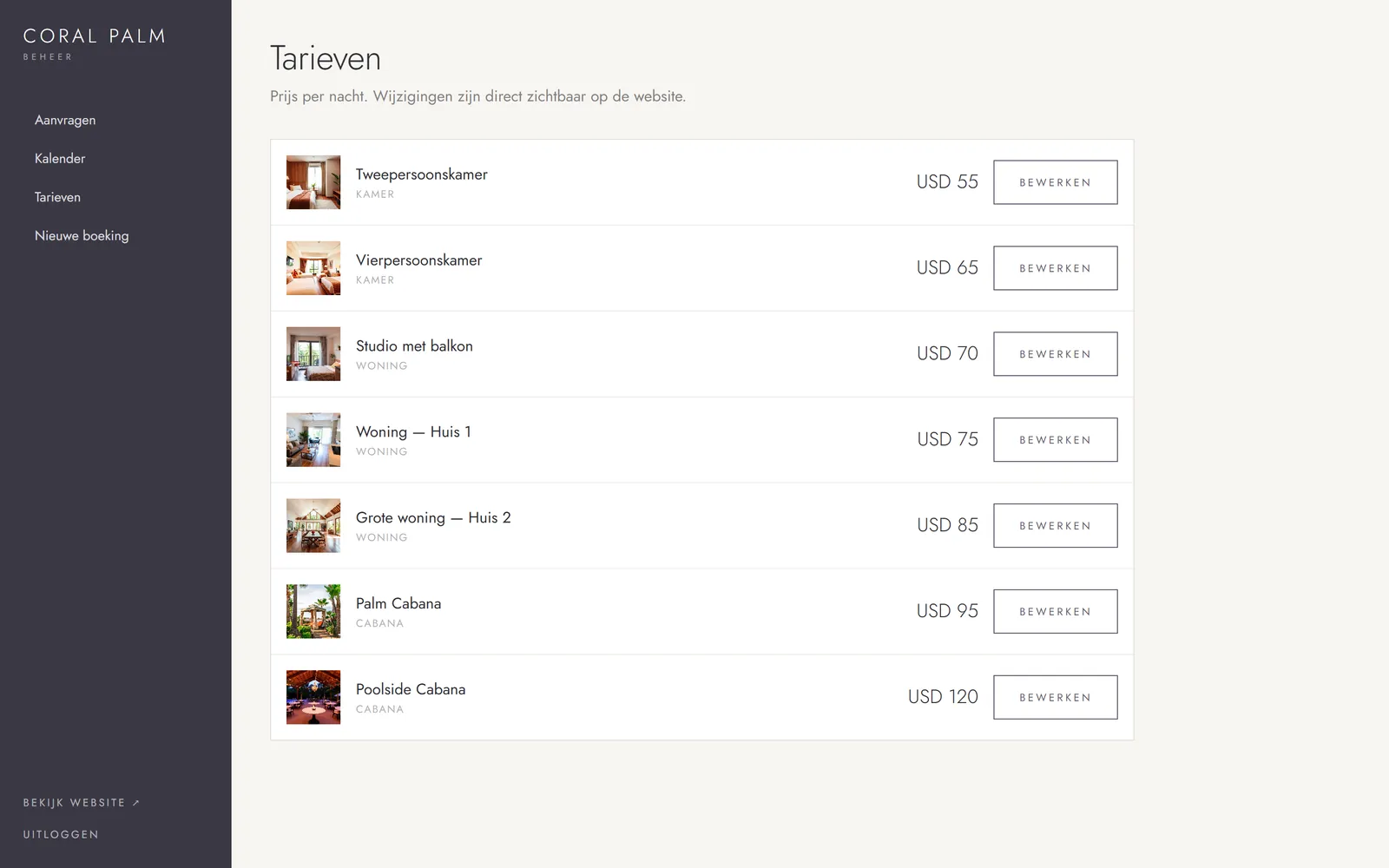
Rates in your own hands
The owner sets the price per night for each unit. The calculator and the room page use it straight away.
What you see: The rates overview in the dashboard: each unit with photo, type and price per night.
Back end · handling a request
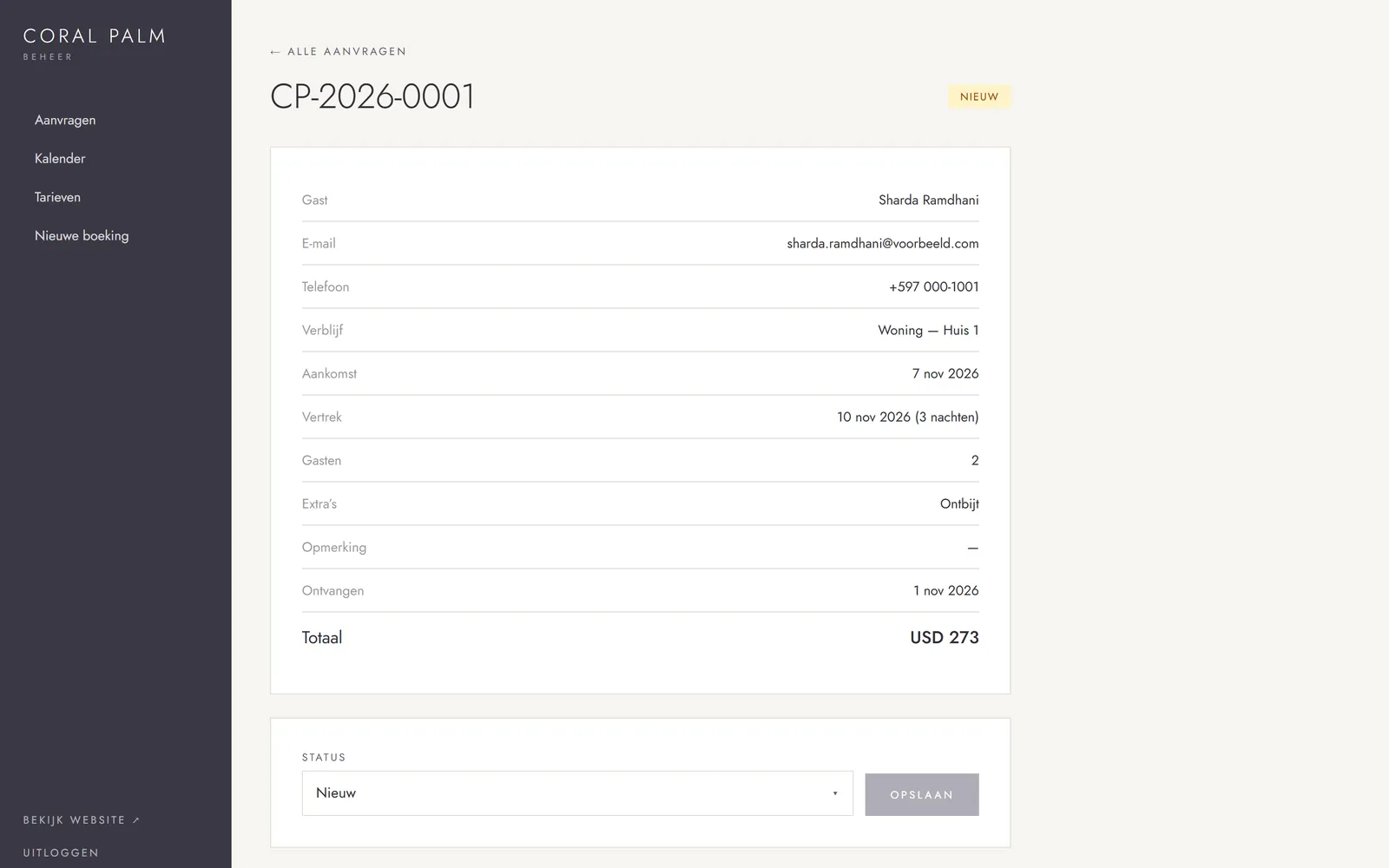
Confirm with one click
Every request has its own page with all the details of the guest and the stay. The owner sets the status to confirmed with a single choice.
What you see: A request in detail: guest, contact details, unit, dates, extras and the total price, with the status at the bottom.
You’re in control
From room to Honeymoon Suite
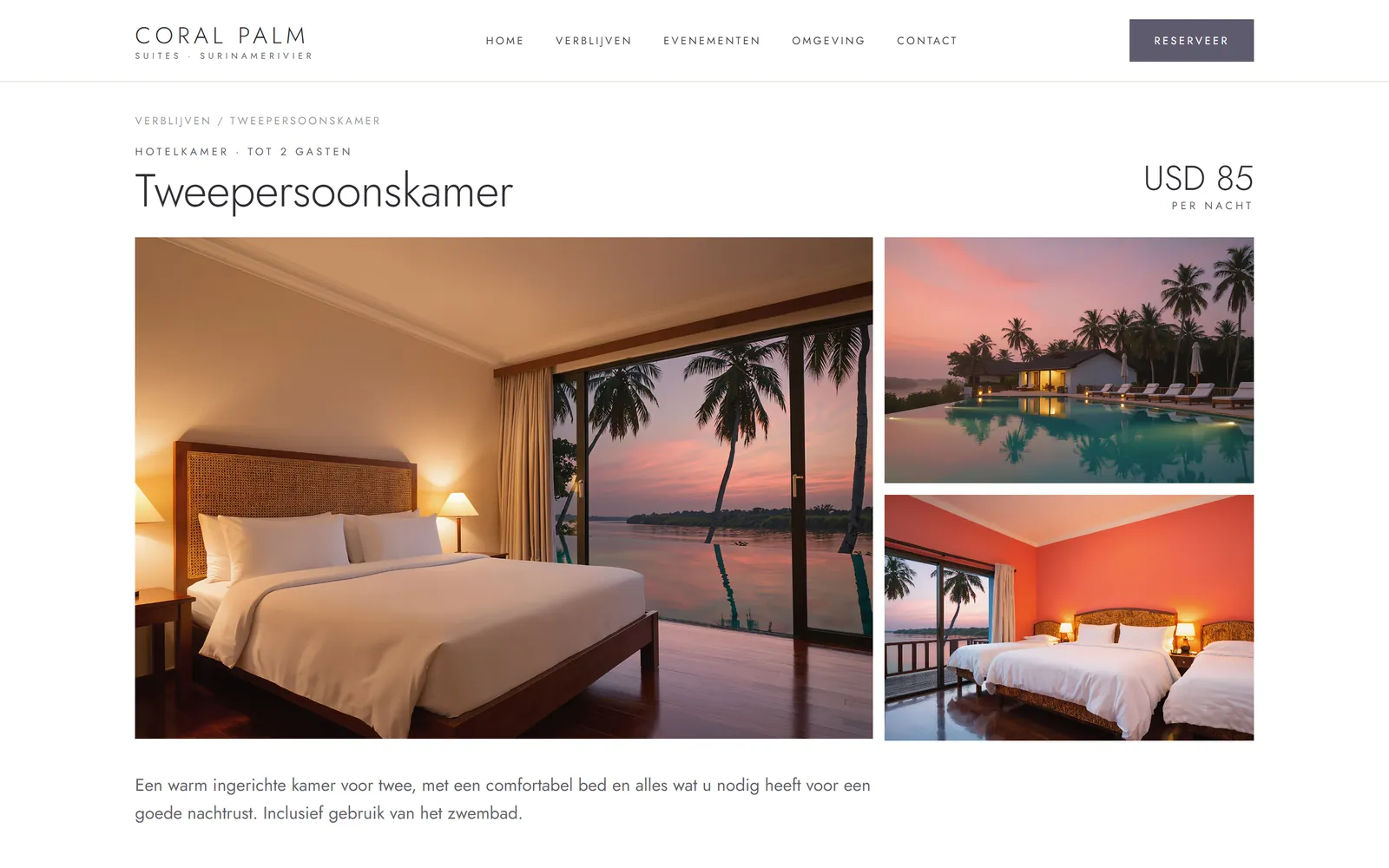
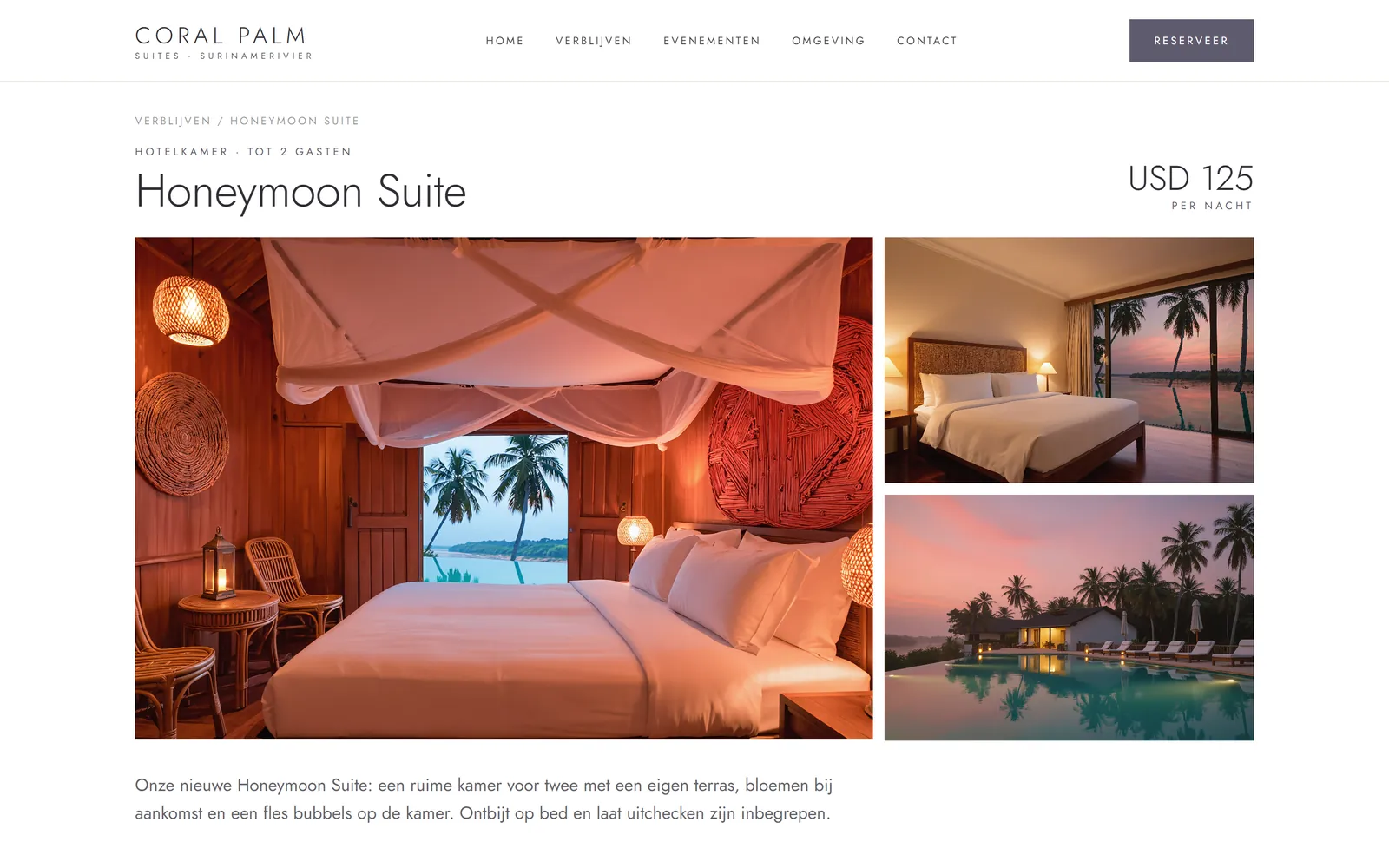
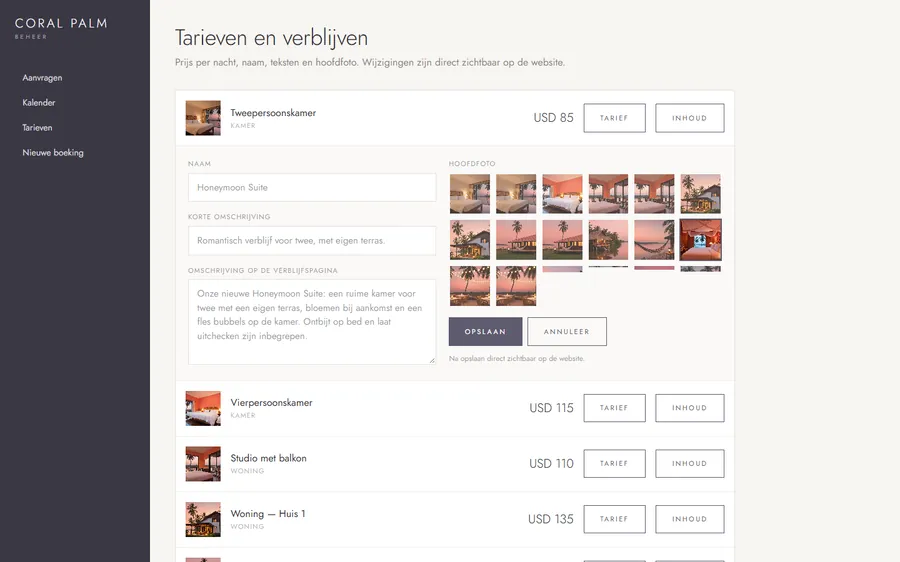
A new package for couples? In the dashboard the owner gives the double room a new name, text, photo and price.
What you see: On the left the Double Room for USD 85. On the right the same page as the Honeymoon Suite for USD 125, with a new photo and description.
What it delivers
Never double booked
One calendar, tied to what guests can choose on the site.Seasonal rates
Adjust prices and content yourself when it’s busy or quiet.Booked direct
The guest books with you instead of through a platform that takes commission.
Does your business work a little differently too?
Then I’ll build the front end and the back end around it.
Start your project