Two audiences, one platform
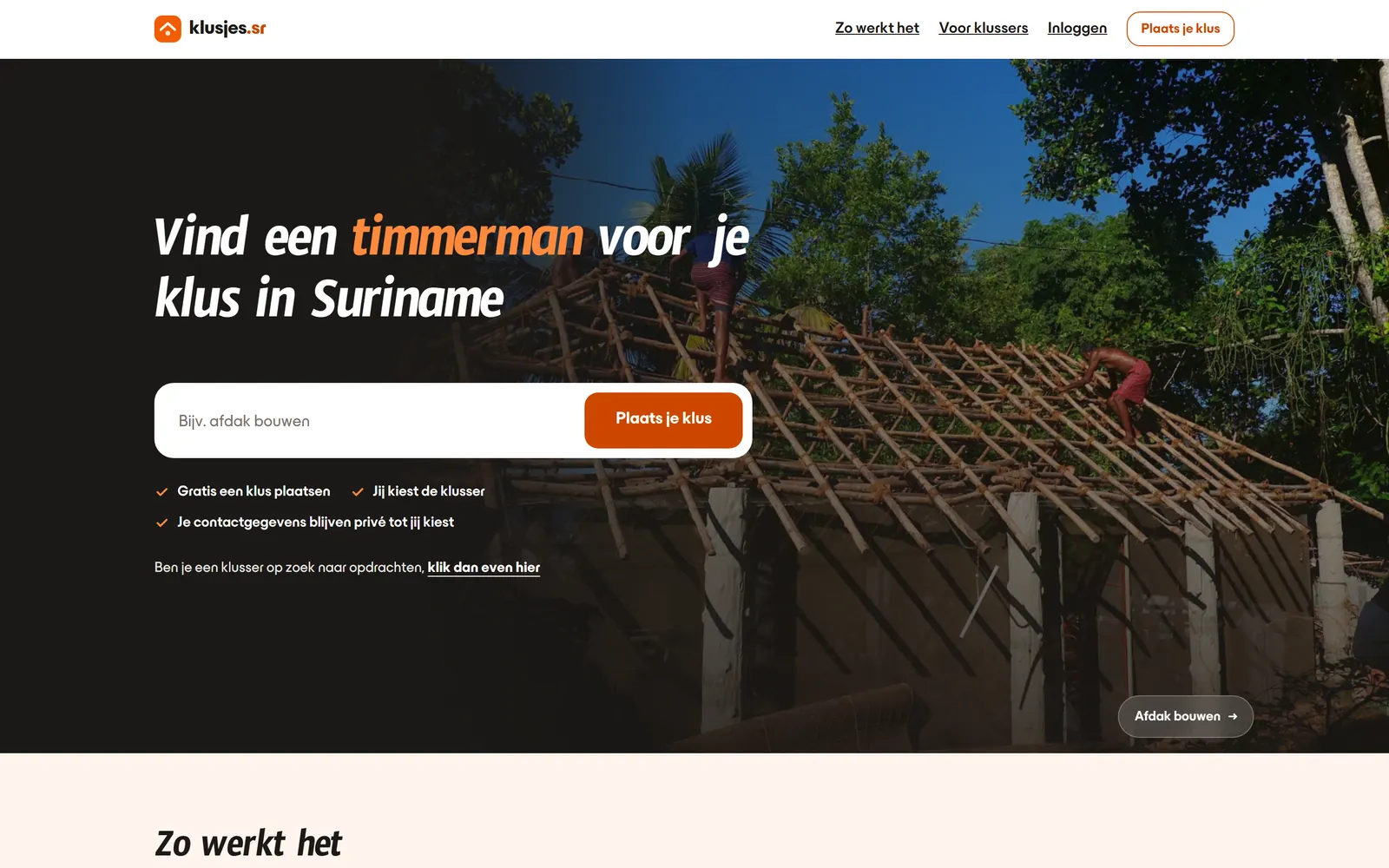
A marketplace only works when both sides have it easy. Customers in Suriname post a job for free and choose who they talk to. Tradespeople only get jobs in their own trade and district. Behind that, ID checks, notifications and an admin area build trust.
- Industry
- Platform for jobs and tradespeople
- Built
- Customer flow, tradesperson flow, chat, notifications, ID checks and admin
- Status
- Live client project
Walkthrough
The admin in forty seconds
A short tour of the admin: the overview, the jobs, a report being handled, an ID being reviewed and the audit log.
What you see: A recording of the admin in a test environment. The names and data in it are sample data.
Front end · what the customer does
Posting a job in a few steps
The customer picks the trade, sets the location and describes the job, with photos and timing if that helps. Posting is free. The job then waits for replies from tradespeople in the right trade and district.
What you see: A recording of the real app in a test environment: trade, location, description with a photo and the confirmation. The job is an example.
The other side · becoming a tradesperson
A profile in a few minutes
A tradesperson picks their trades and work area, chooses the name on the profile, writes a short intro and can have their ID checked. That last step is optional, and the explanation says exactly what happens with the ID. The surname is always hidden from customers.
What you see: A recording of signing up as a tradesperson: trades, work area, the profile, the optional ID step and the finished profile.
The other side · what the tradesperson sees
A dashboard with the next step
A tradesperson only sees jobs in their own trade and district. The dashboard says what the next step is. New jobs trigger a notification, by push and by email. Replying is free: a note, an indicative price and when it can be done.
What you see: A recording of the dashboard, a job and sending a reply. The customer’s number and email stay private.
Replies and comparing
Ask first, then choose
The customer sees all replies on one screen, with badge, work photos and indicative price, and compares them calmly. The customer can chat with each tradesperson first, without choosing. Only the customer starts such a conversation. The platform never shares or asks for a number or email address. A choice can’t be undone.
What you see: A recording of the replies, a conversation before choosing and the screen where the customer chooses.
After the choice
From choice to appointment
Once the customer chooses, the conversations with the other tradespeople close and customer and tradesperson continue in the chat. The customer proposes a day and part of the day and the tradesperson confirms. Afterwards the job is completed and the customer leaves one review, which appears on the tradesperson’s profile.
What you see: A recording of the chat after the choice, proposing an appointment and the job status.
Trust
A profile you can rely on
Once the ID is approved, a badge appears on the profile. It only says the ID has been checked, nothing about the quality of the work. That shows in the work photos and the reviews of completed jobs. If something is off, the customer reports it on the profile.
What you see: A recording of a profile with badge, work photos and reviews, and of reporting a tradesperson with a reason.
Back end · what the owner sees
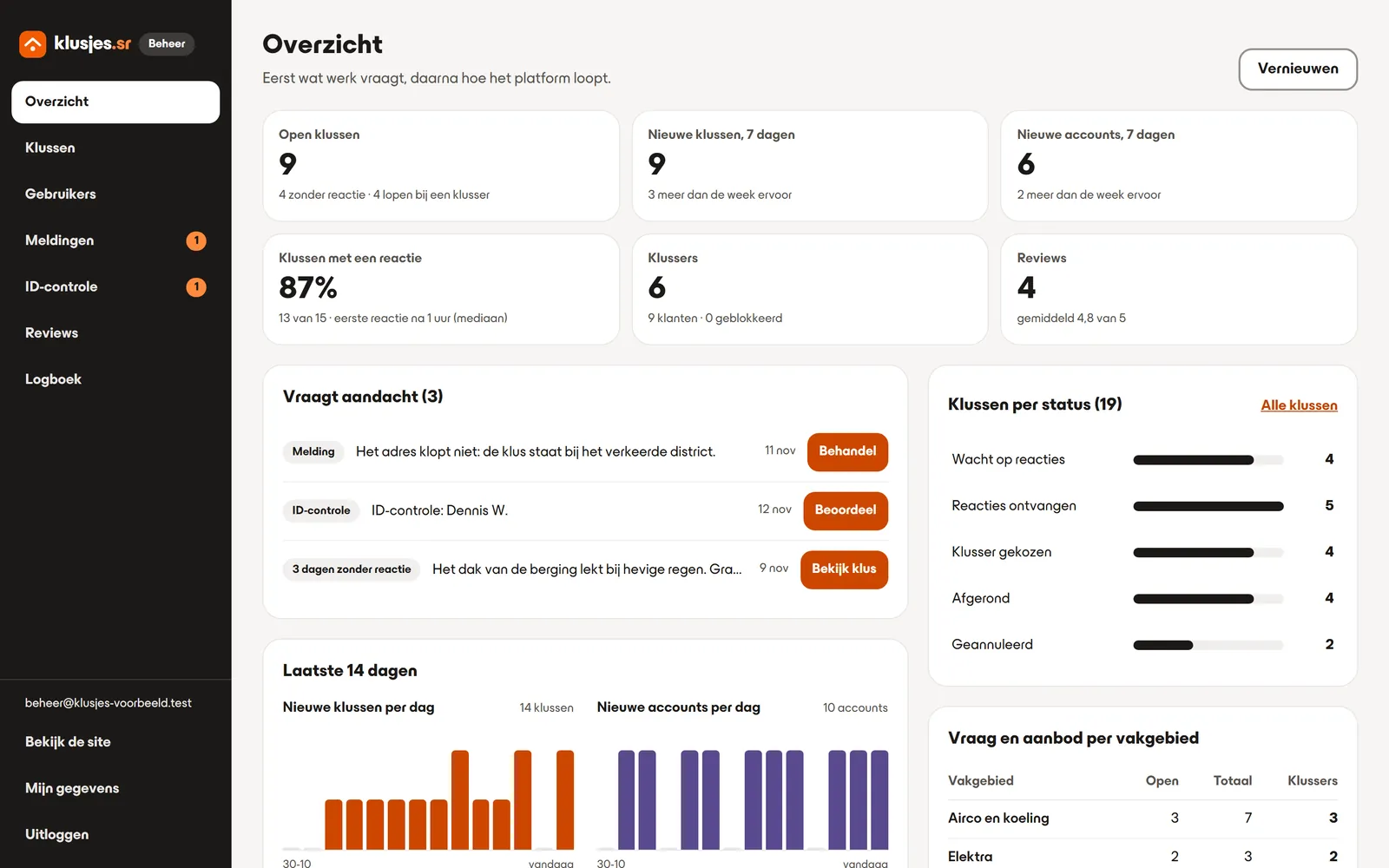
First what needs work, then how the platform is doing
The admin starts with what needs attention: a report, an ID to review, a job without replies. Below that are the key figures, the last two weeks, and supply and demand per trade and district.
What you see: The overview with open jobs, replies, tradespeople, reviews, “Needs attention” and the trends. All data is sample data.
Back end · guarding trust
Reviewing IDs, handling reports, everything logged
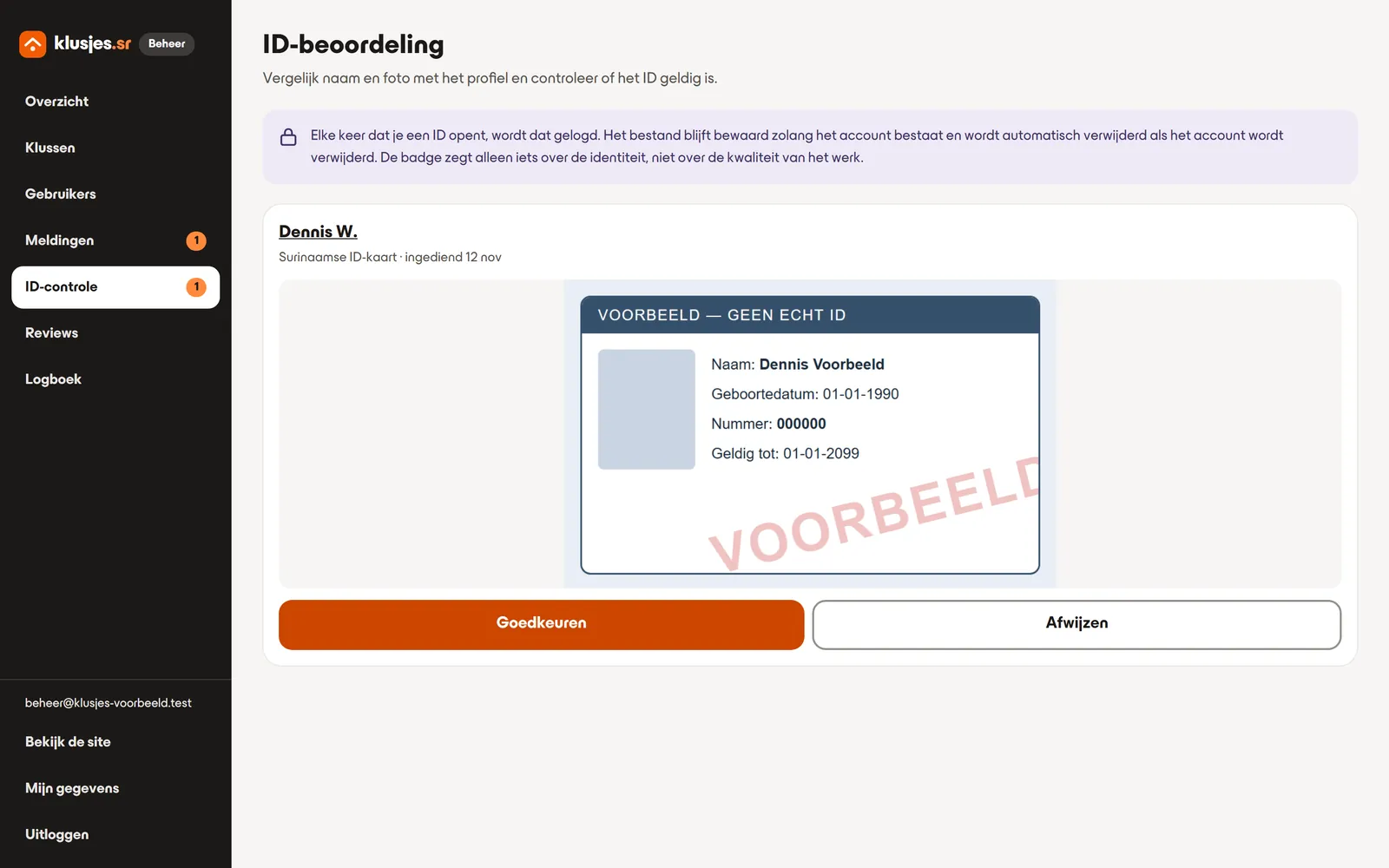
The owner reviews IDs by hand, handles reports and can block an account. Every time an ID is opened, a job is viewed or something is changed, it goes into a log that can’t be altered.
What you see: The ID review with a sample ID and the buttons to approve or reject.
What it delivers
Low barrier
No payment method needed to get started, for customers and tradespeople.Trust and privacy built in
ID checks, badges and a surname that is never shown, instead of loose promises on a page.Admin in your own hands
Users, jobs, reports and reviews in one admin area, with a log of every change.
Does your business work a little differently too?
Then I’ll build the front end and the back end around it.
Start your project