From worry to an appointment
With an inheritance you don’t just call a stranger. So this site takes visitors along step by step: a free check, a guide and a form. No dashboard or backend: requests go straight to the business email address. And because many visitors come in on their phone, the phone is the starting point.
- Industry
- Services: estates and inheritance
- Built
- Website, estate check and forms that go straight to the business email address
- Status
- Live client project
On the phone
A tour on the phone
The site starts on the phone: large text, roomy buttons and one question per screen. You scroll through the guidance, open the menu and go through the estate check. A ‘Book a call’ button always stays within reach at the bottom.
What you see: A recording of the live website on a phone: homepage, menu and the estate check from the first question to the result.
The form
Sending a message, no hassle
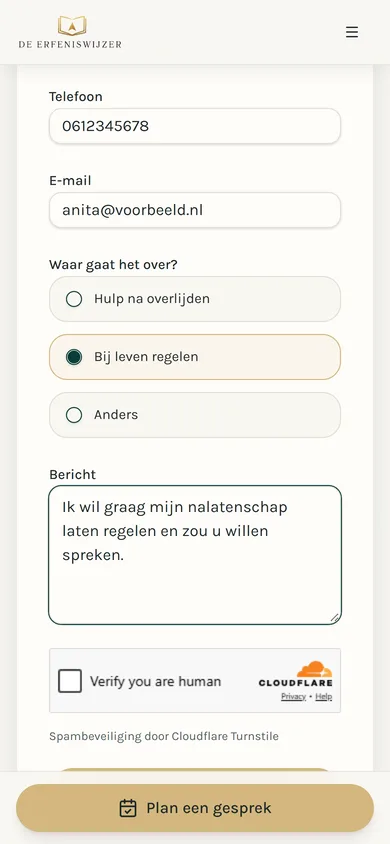
The contact form only asks what’s needed: name, phone, email, what it’s about and a message. On the phone every field is full width, with a clear label. A spam check keeps bots out without visitors having to solve puzzles.
What you see: A recording of the contact form on a phone, filled in with a sample message. The form was not sent.
On a big screen
Just as calm on the computer
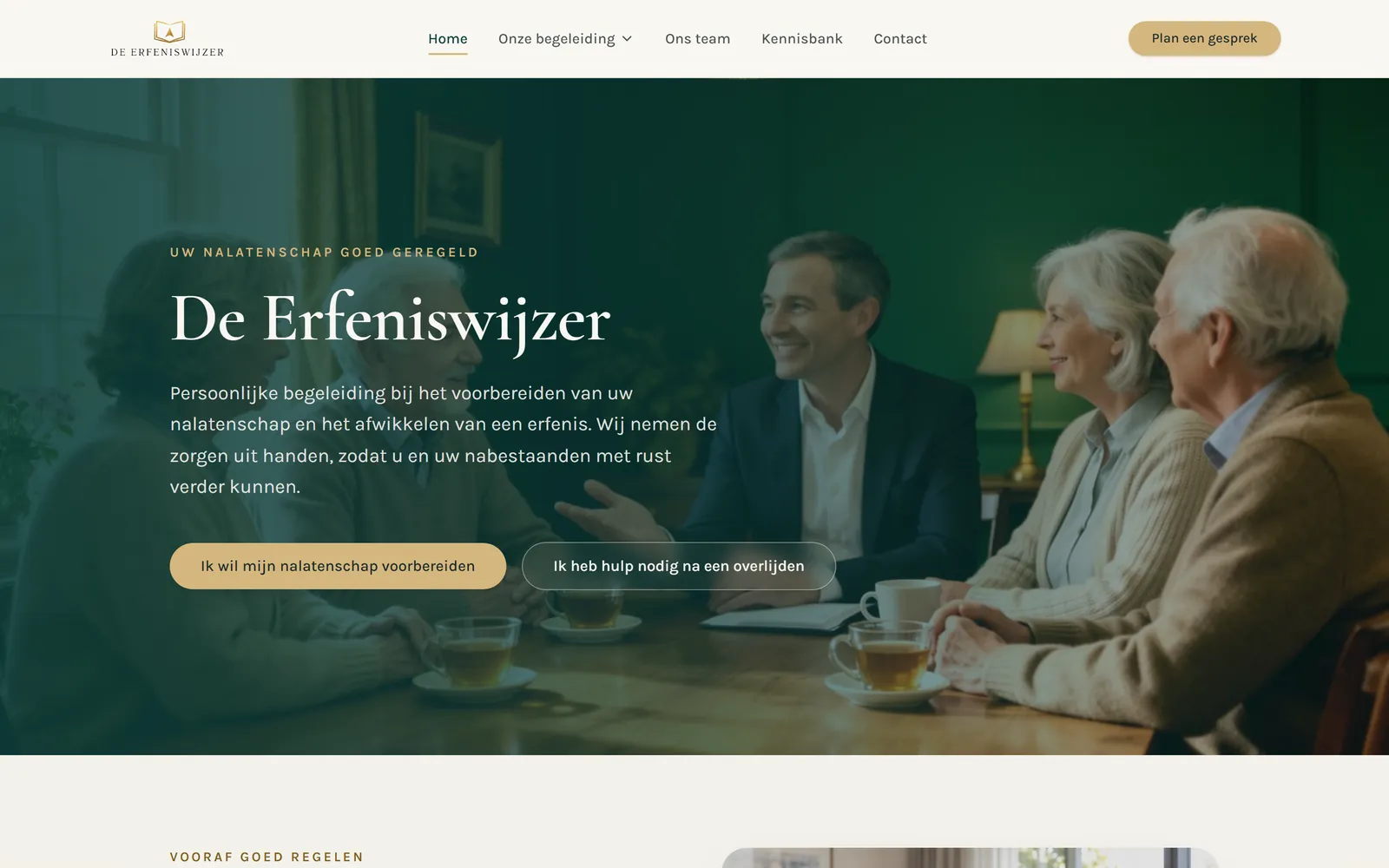
On a laptop or desktop the same site uses more space: a tour of the homepage with the guidance, the team, the knowledge base and the way to a conversation.
What you see: A recording of the live website de-erfeniswijzer.nl on a computer.
Step 1 · recognition
Two routes, one tap
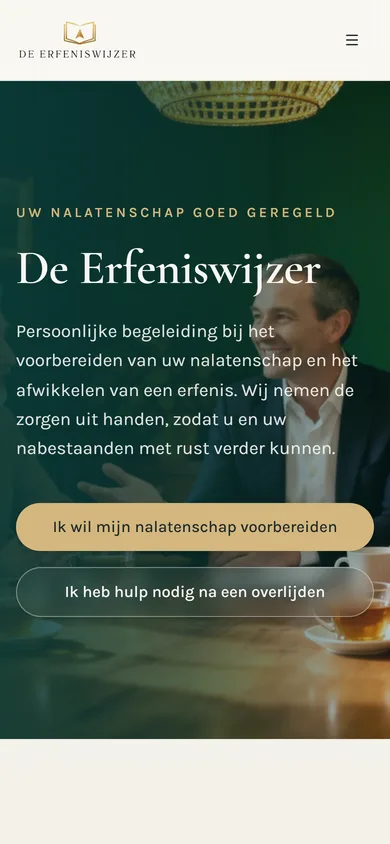
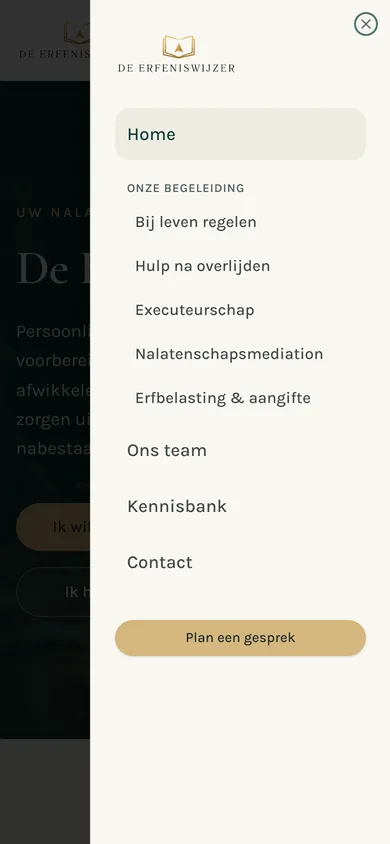
Anyone who lands on the site is in one of two situations: wanting to arrange something themselves, or needing help after a death. The homepage asks that right away with two big buttons. The menu is just as clear and shows every topic.
What you see: On the left the homepage with the two routes. On the right the open menu with the topics and the ‘Book a call’ button.
Step 2 · insight
Five questions, instant answer
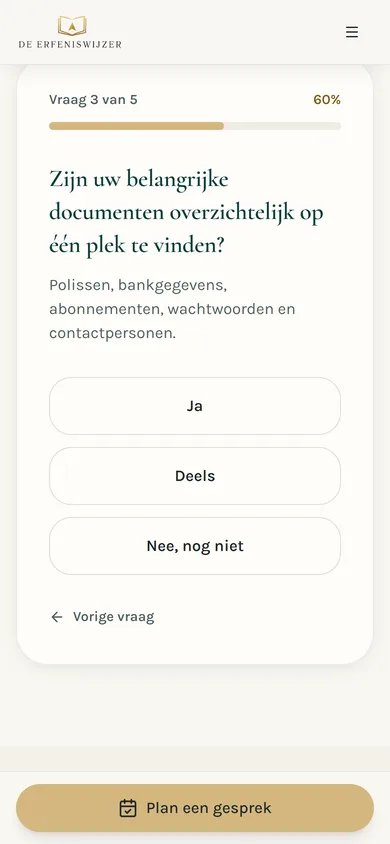
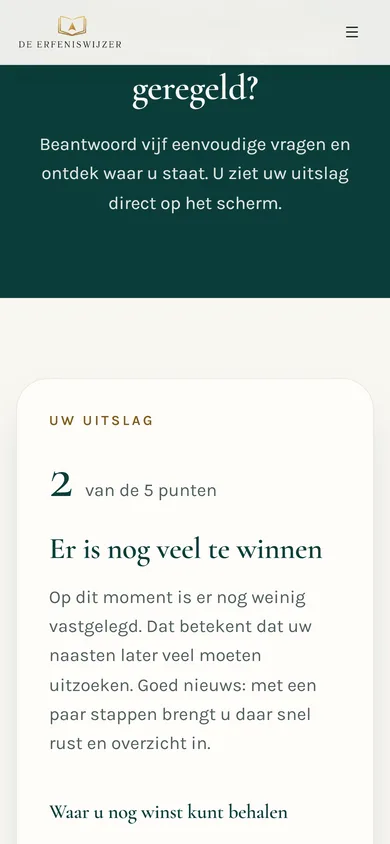
The free estate check shows the visitor in five questions how well things are arranged. Each question has its own screen with a progress bar, and the answers stay in the browser. The result comes right away, with the points that still need attention.
What you see: On the left question 3 of 5 with the progress bar. On the right the result with the score and what can still be improved.
Step 3 · request
Forms that reach the office on their own
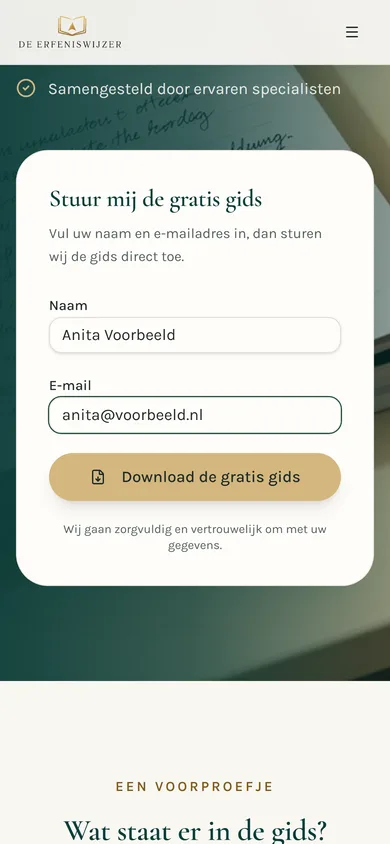
Anyone who wants the free guide enters a name and email address. Anyone who wants a conversation picks a topic and writes a message. Either way the request lands straight in the office’s business inbox, with no stop in a system. There is nothing to log in to or keep up.
What you see: On the left the request for the free guide, filled in with sample data. On the right the contact form with the topic choice. Neither was sent.
On the computer
The same check on a big screen
On a computer the check has more room, with the same calm and the same layout. Anyone who starts on a laptop and continues on the phone finds everything in the same place.
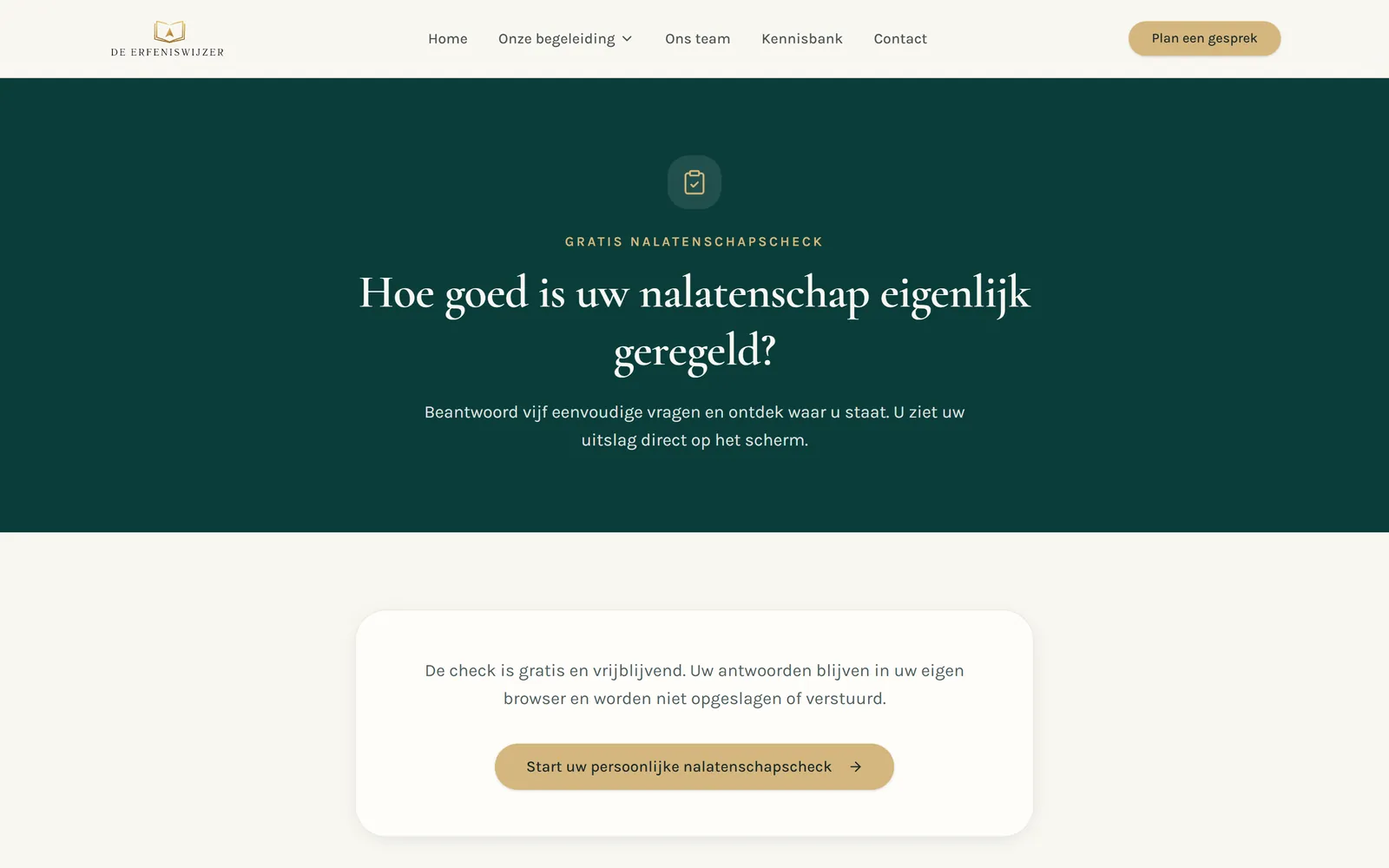
What you see: The start of the estate check on a computer, explaining that the check is free of obligation and that answers are not stored.
What it delivers
Works on any phone
Many visitors come in on their phone, often at a difficult moment. The site is designed for that.No backend, no hassle
Requests go straight to the business email address. Nothing to manage or forget.Trust first
The visitor gets something of value first and only then gets in touch.
Does your business work a little differently too?
Then I’ll build the front end and the back end around it.
Start your project