A new collection goes online in hours, not weeks
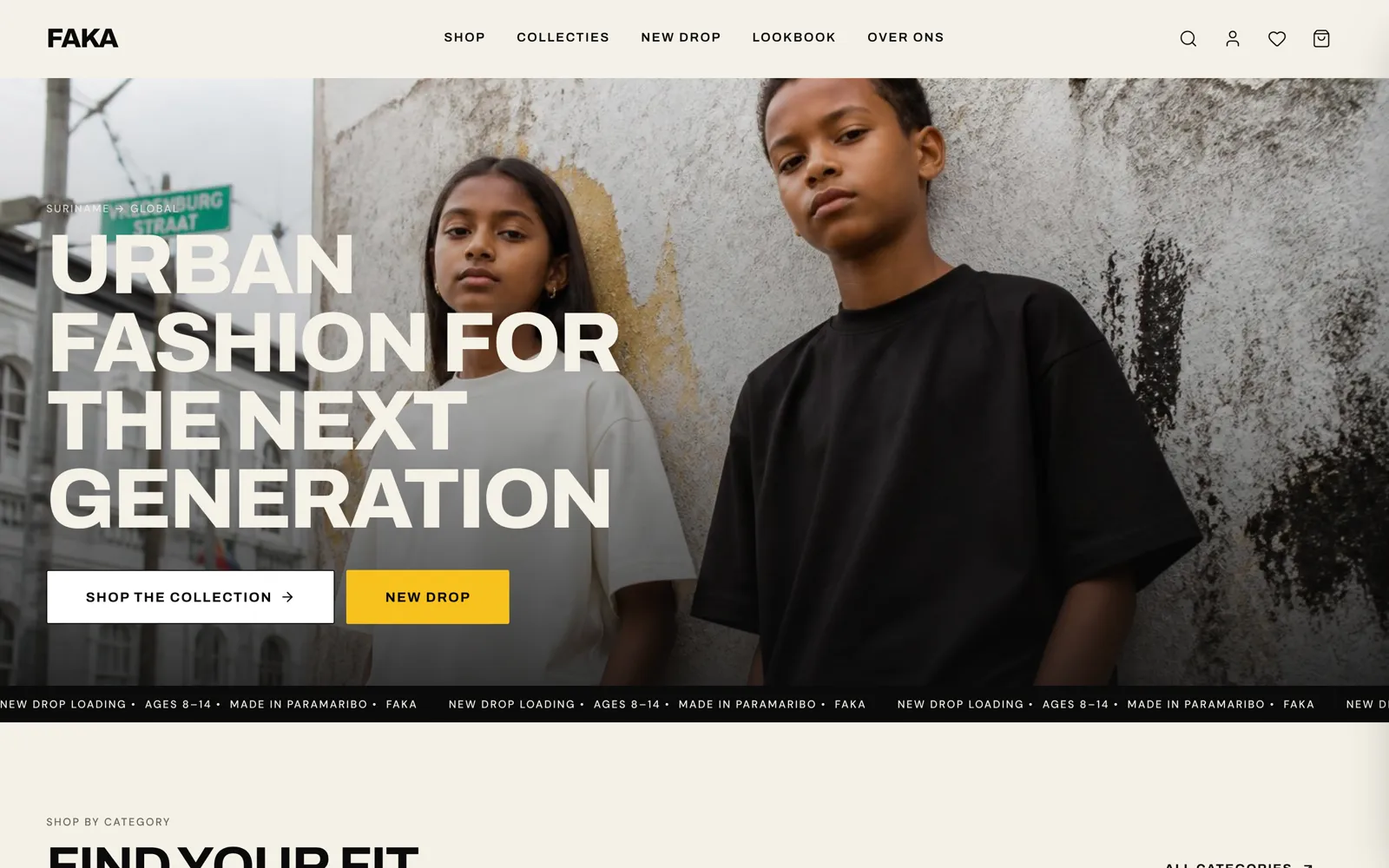
A streetwear brand sells on visuals and timing. A standard online store shows products, but doesn’t plan new drops or show what needs to ship today. This demo does both.
- Industry
- Online store, streetwear
- Built
- Store, checkout and an admin for orders, prices and planning new drops
- Status
- Demo, fully working
The customer in action
From product to order
A customer picks a product, a size and a colour, and checks out.
What you see: A recording of the store, from product page to confirmation.
Walkthrough
The brand’s admin
Searching orders, updating a status, changing prices and checking the plan for new drops.
What you see: A recording of the admin in the demo environment. The data in it is sample data.
Front end · what the customer does
Quick checkout
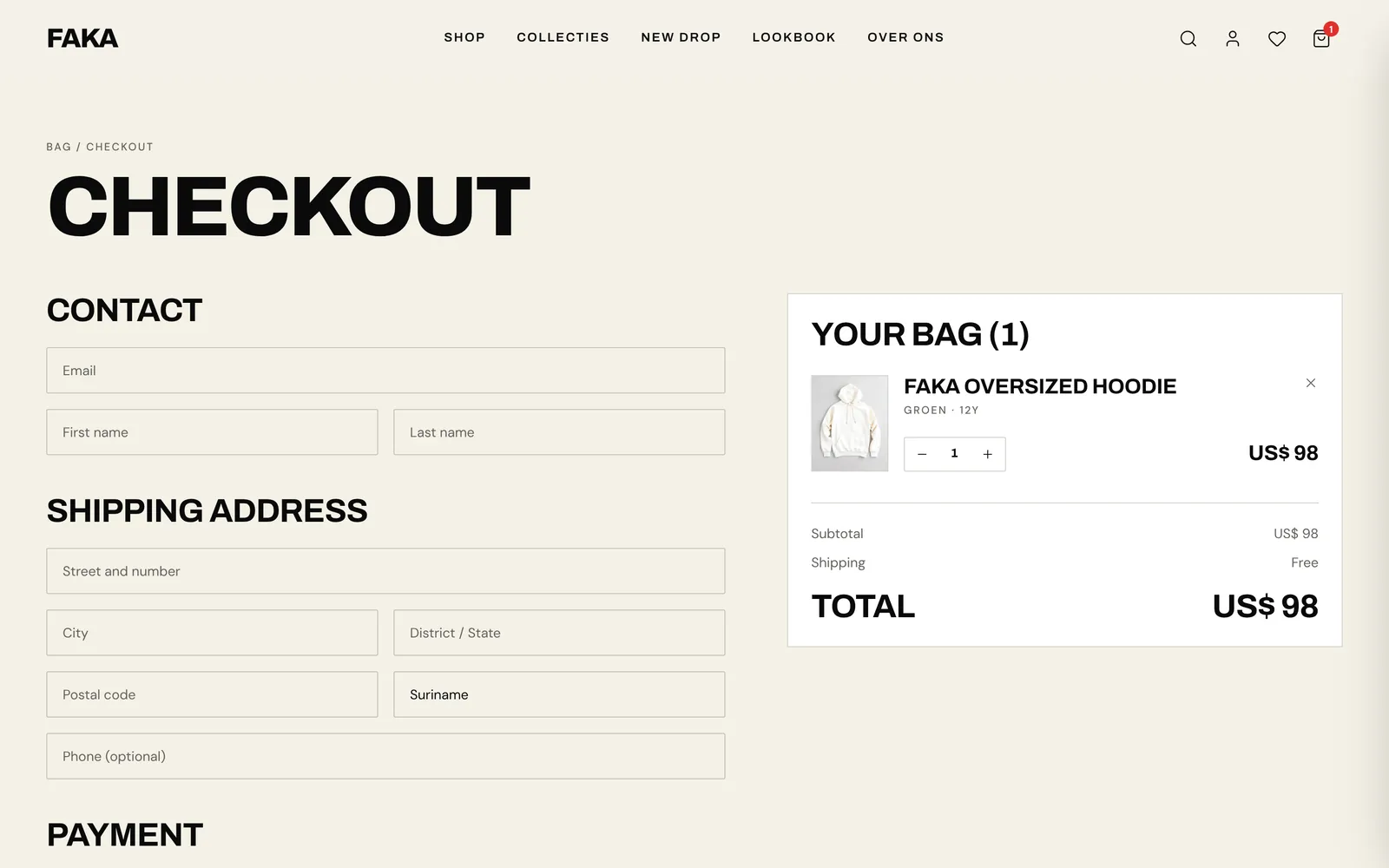
Contact details, address and payment on one clear screen, with the cart alongside. Fewer steps, fewer drop-offs.
What you see: The FAKA checkout: contact and shipping details on the left, the bag with the hoodie and the total on the right.
Back end · what the brand sees
Know what needs to ship
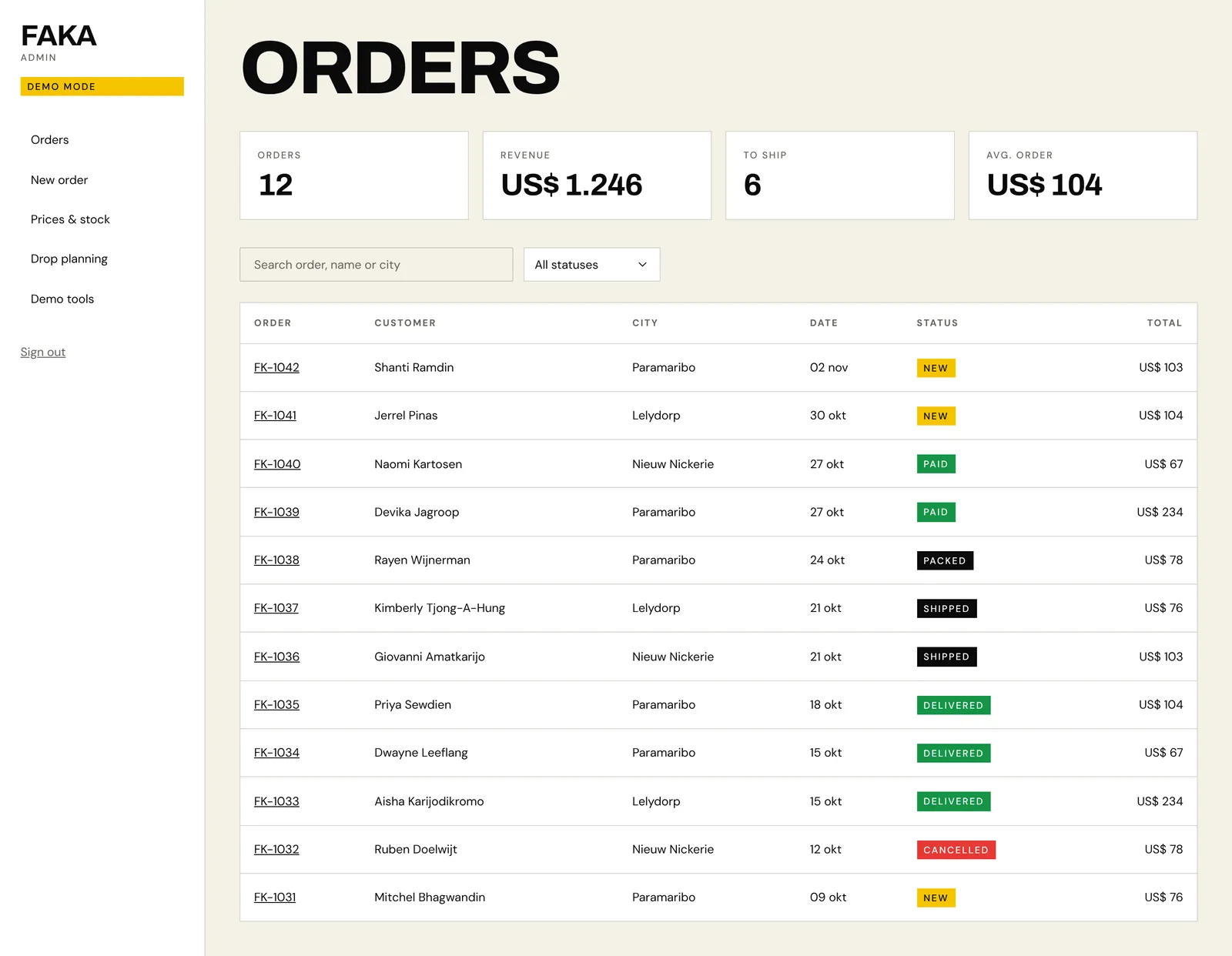
Every order appears in the list right away, with the city, the amount and the status. At the top are revenue and the number of orders still to ship.
What you see: The order overview: key figures at the top and below that every order with customer, city, date, status and amount.
Back end · handling an order
Pack, ship, done
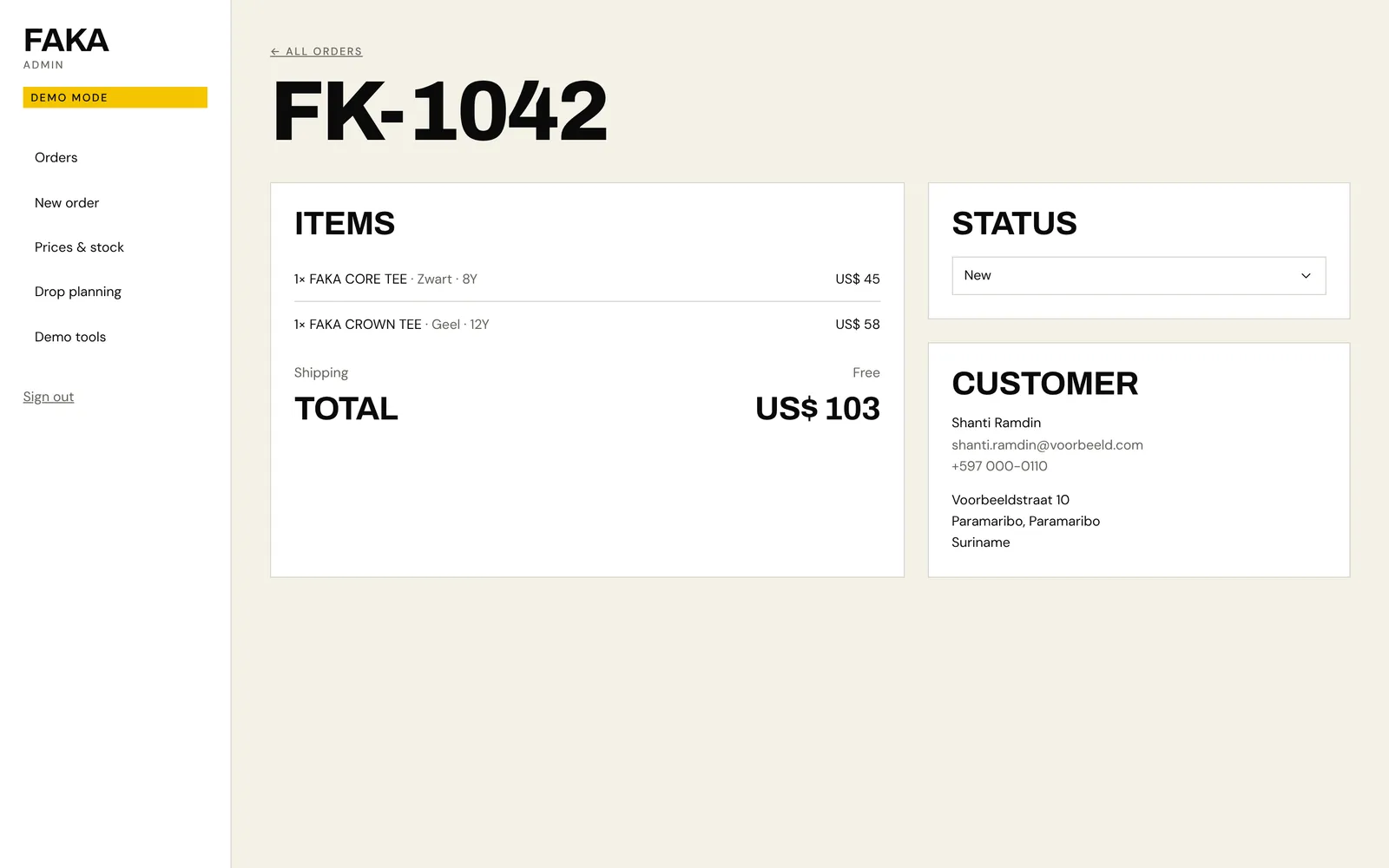
For each order the brand sees the items, the customer and the address. The status keeps track of where every parcel is.
What you see: An order in detail: the items with size and colour, the total, the customer details and the status.
Back end · planning drops
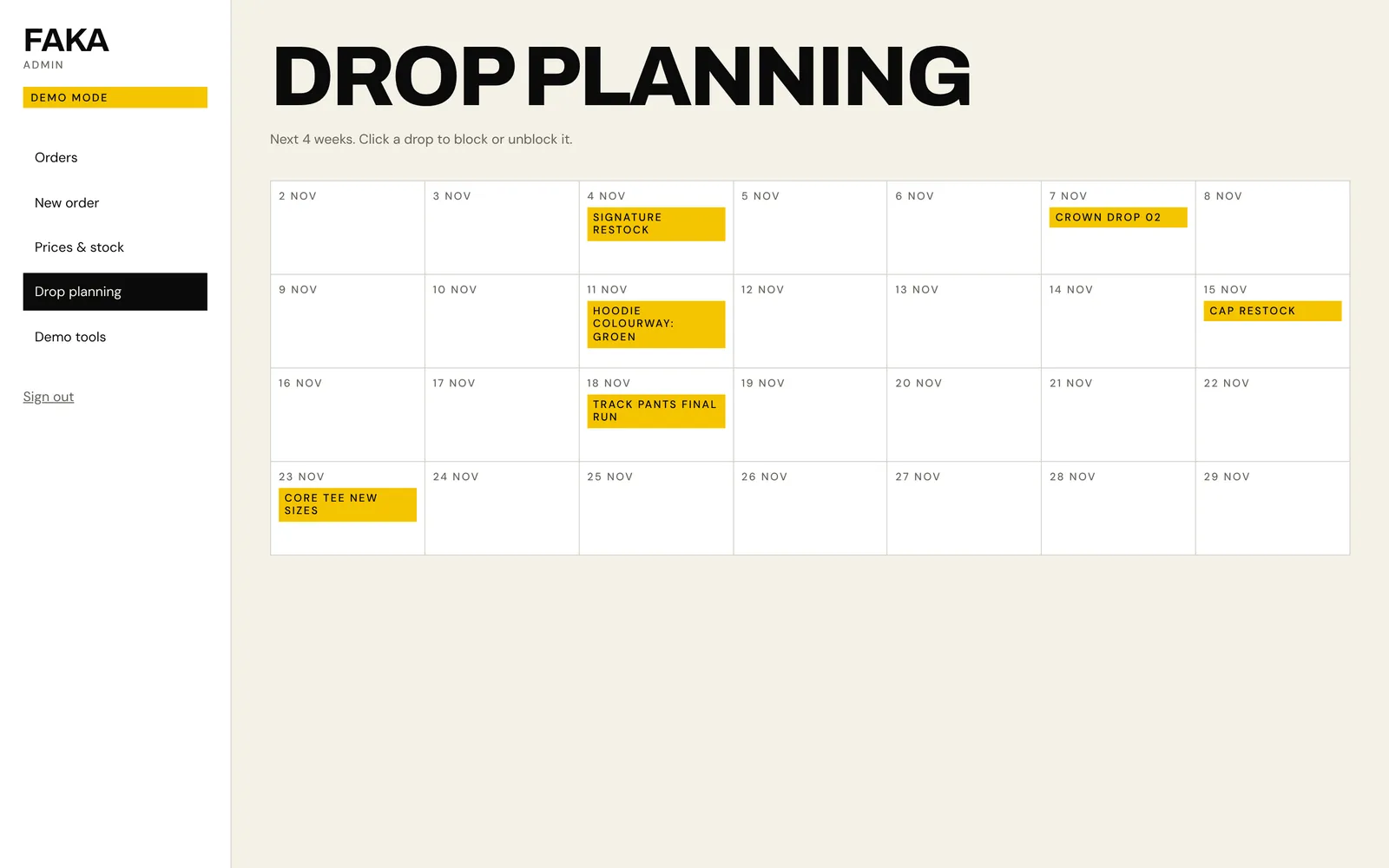
Drops on schedule
The brand plans new collections and restocks weeks ahead. If a launch is off, the brand blocks it with one click.
What you see: The plan for the next four weeks, with the scheduled launches and restocks per day.
You’re in control
From basic piece to collab
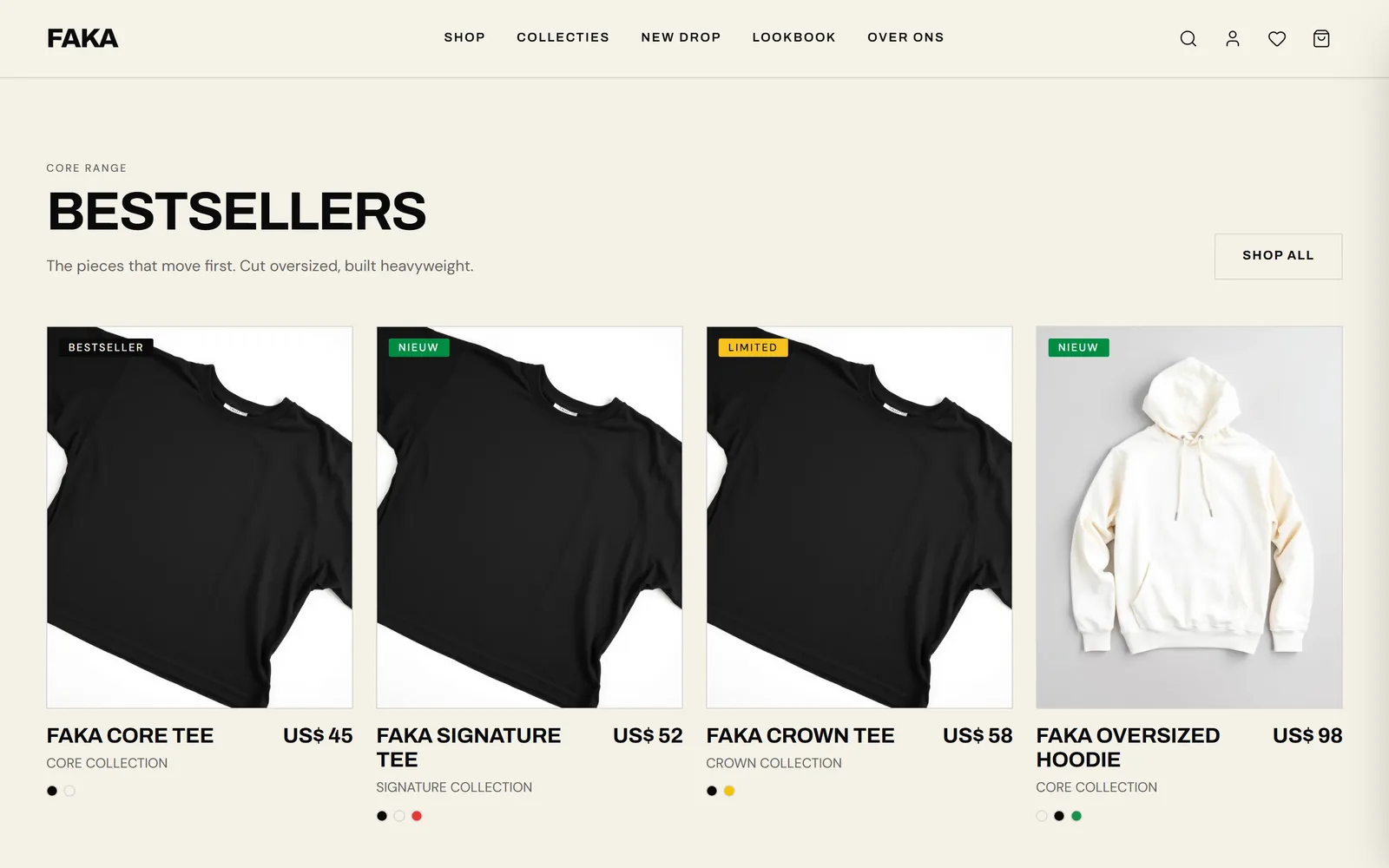
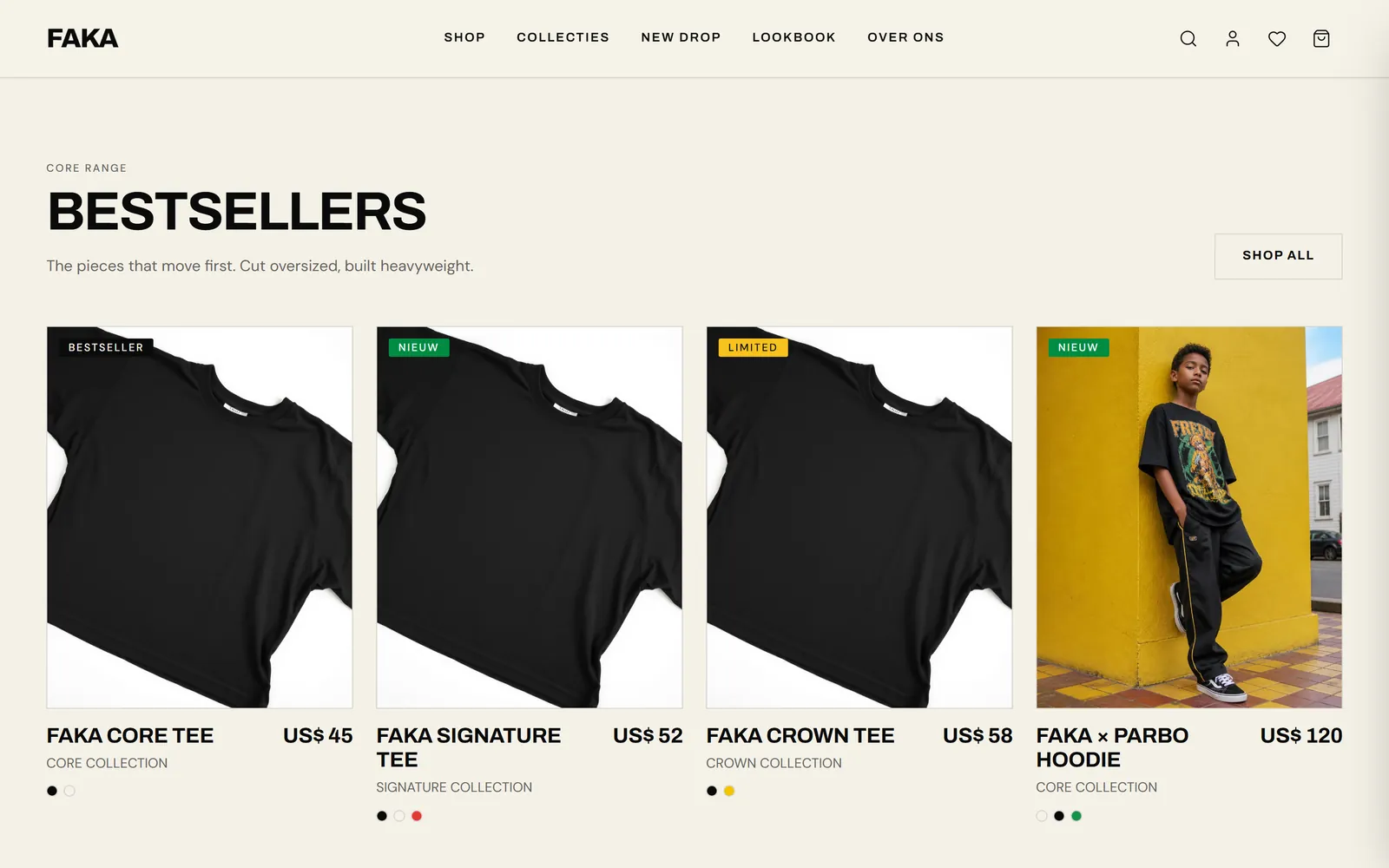
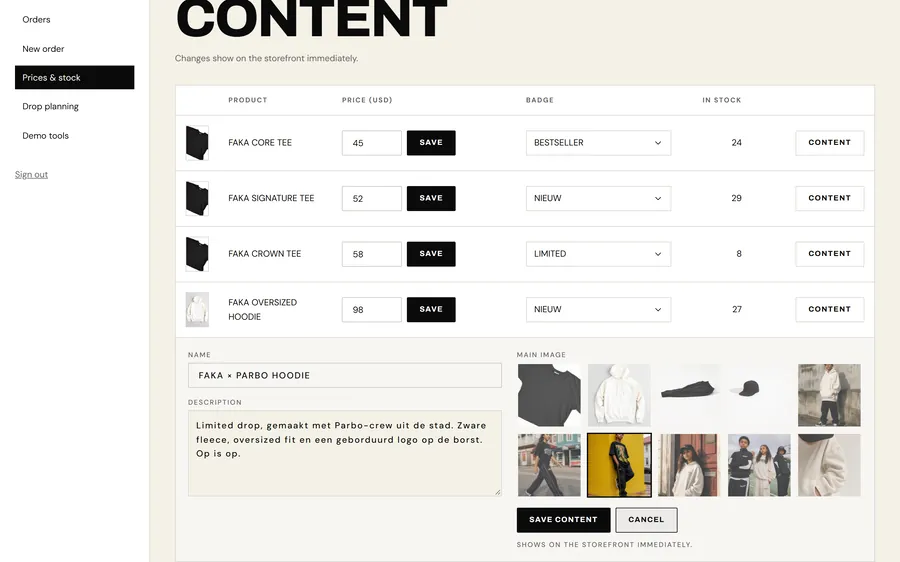
A collab with a local crew? In the admin the brand gives the hoodie a new name, text, campaign photo and price.
What you see: The bestsellers on the homepage. On the right the oversized hoodie (US$ 98) has become the FAKA × Parbo hoodie (US$ 120), with a campaign photo.
What it delivers
Overview
Revenue, open orders and shipments on one screen.Drops on schedule
Plan collections and restocks ahead instead of ad hoc.In control
Change prices, labels and product content yourself, without waiting.
Does your business work a little differently too?
Then I’ll build the front end and the back end around it.
Start your project