An empty table is money you never get back
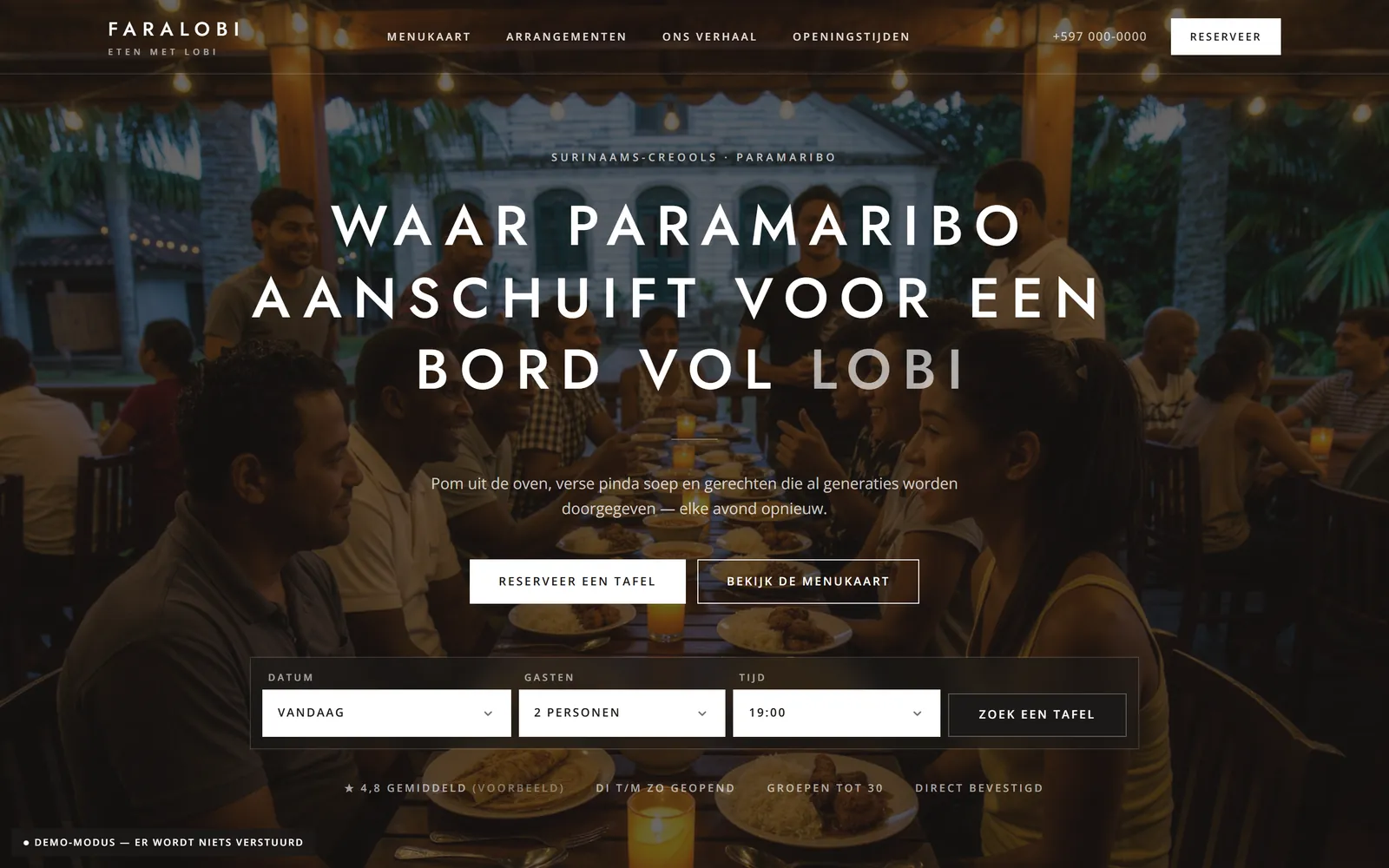
A restaurant runs on timing: tables, time slots, set menus and the days you are closed. A contact form can’t handle that. This demo for a Surinamese Creole restaurant in Paramaribo shows how it can work, for the guest and for the owner.
- Industry
- Restaurants, warungs, sandwich shops and other hospitality
- Built
- Website, booking flow, dashboard and an owner app with push notifications
- Status
- Demo, fully working
Log in to the dashboard tooChanges are reset every hour
Click around as the owner and feel free to change things. Every hour the demo resets itself to the starting point.
demo@amresh.sr- Password
Welkom123!
Walkthrough
The whole dashboard in forty seconds
A short tour: logging in, filtering new requests, planning an evening, checking the menu and set menus, and entering a phone booking.
What you see: A recording of the dashboard in the demo environment. The data in it is sample data.
On the phone
Guest and owner, both on mobile
Most guests book on their phone. The owner has the dashboard as an app on their phone, gets a push notification for every new booking and confirms it between two tables.
What you see: A guest books the Lobi tasting menu. The owner sees the booking in the app under ‘Tonight’ and confirms it with one tap. Switch between the two sides.
Front end · what the guest does
Booking in five short steps
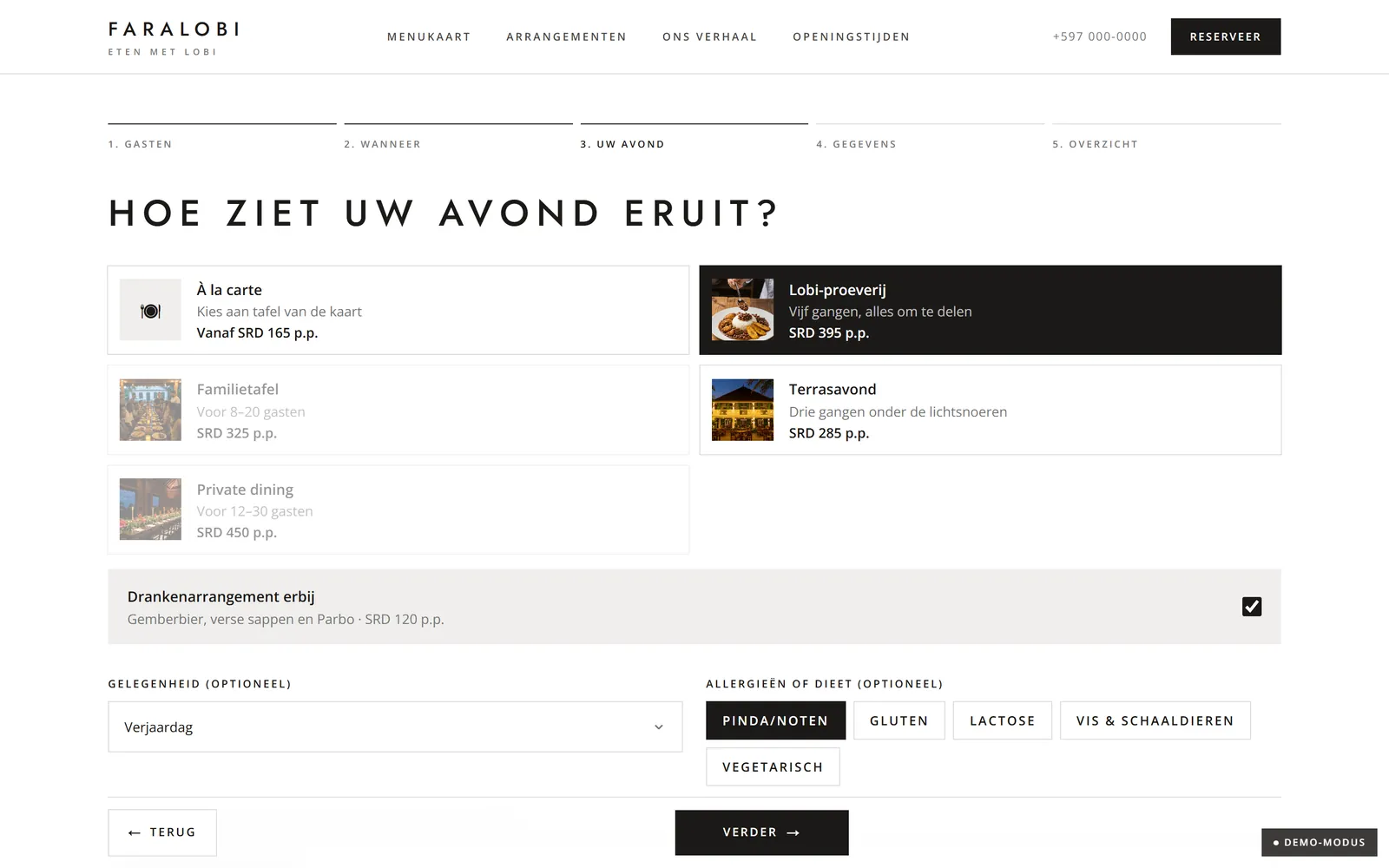
The guest picks the number of guests, the day and the time, then how the evening should look: à la carte or a set menu, with or without drinks pairing. The occasion and any allergies go in the same step.
What you see: Step 3 of the booking: the choice between à la carte and the set menus, the drinks pairing, the occasion and dietary needs.
Back end · what the owner sees
Straight into your overview
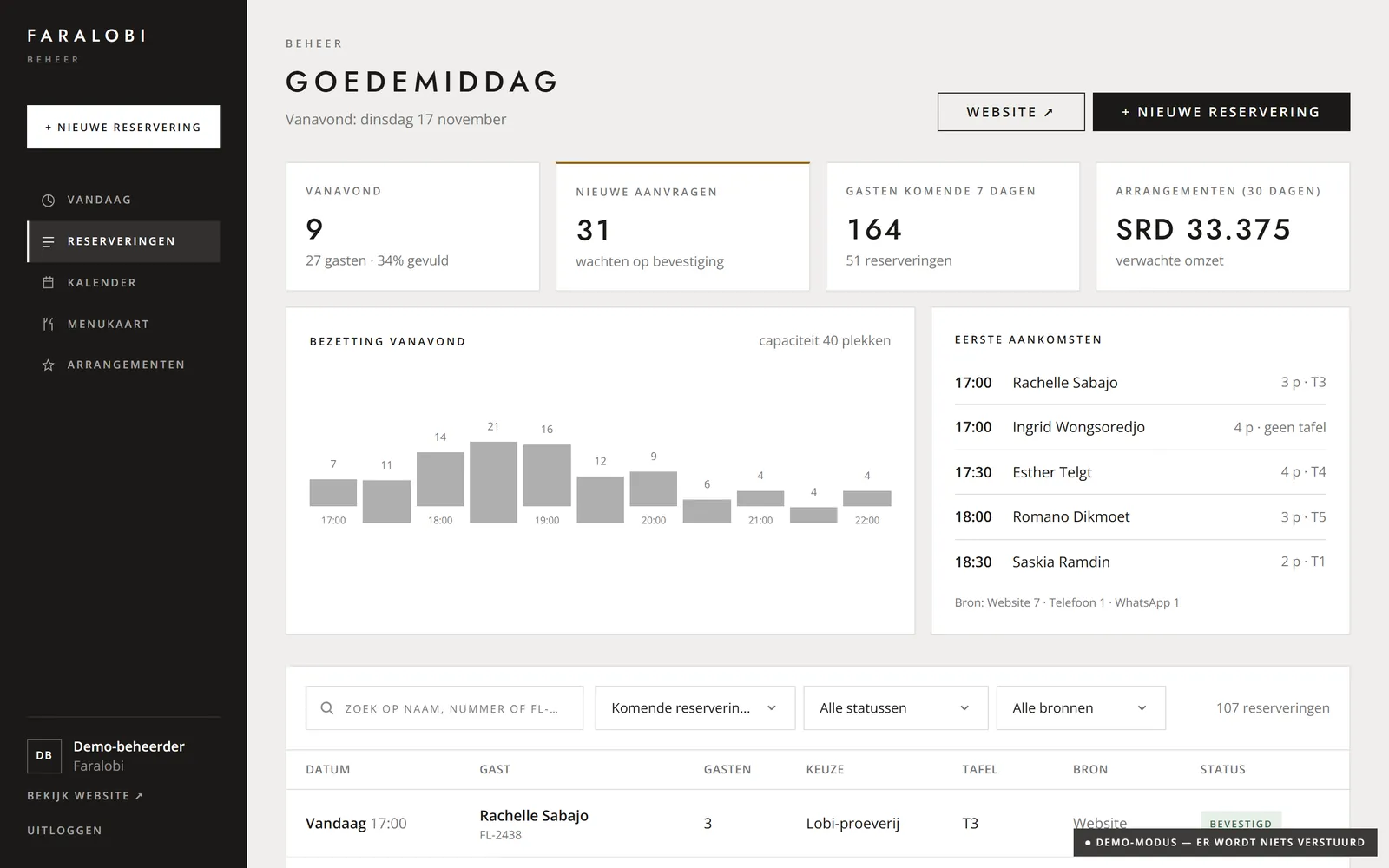
Nobody has to copy the booking over from WhatsApp or email. It appears right away under new requests, with the choice, the number of guests and where the guest came from. Bookings made by phone or WhatsApp the owner adds by hand, so everything is in one place.
What you see: The home screen: tonight’s bookings, new requests, guests for the coming week, expected revenue from set menus, occupancy per time slot and the first arrivals.
Back end · planning the evening
Who sits where
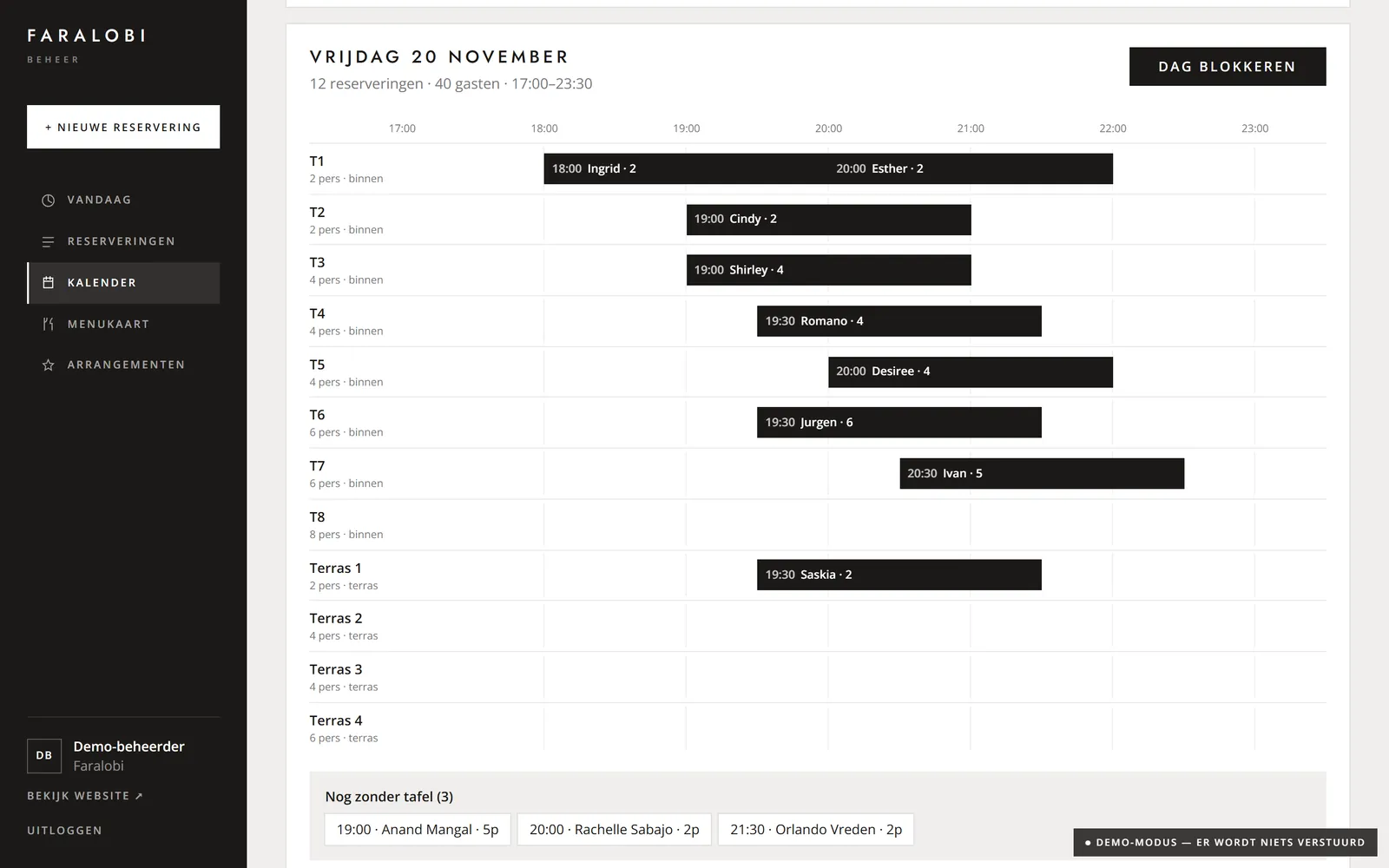
For each evening the owner sees every table on a timeline. Bookings without a table are listed at the bottom, so nobody waits at the door. If the restaurant is closed or booked out for a private event, the owner blocks the day with one button and nobody can book it.
What you see: Friday evening’s table plan: indoor tables and terrace spots with their bookings between 17:00 and 23:00, with the bookings that still need a table at the bottom.
Back end · managing the menu
The menu is always right
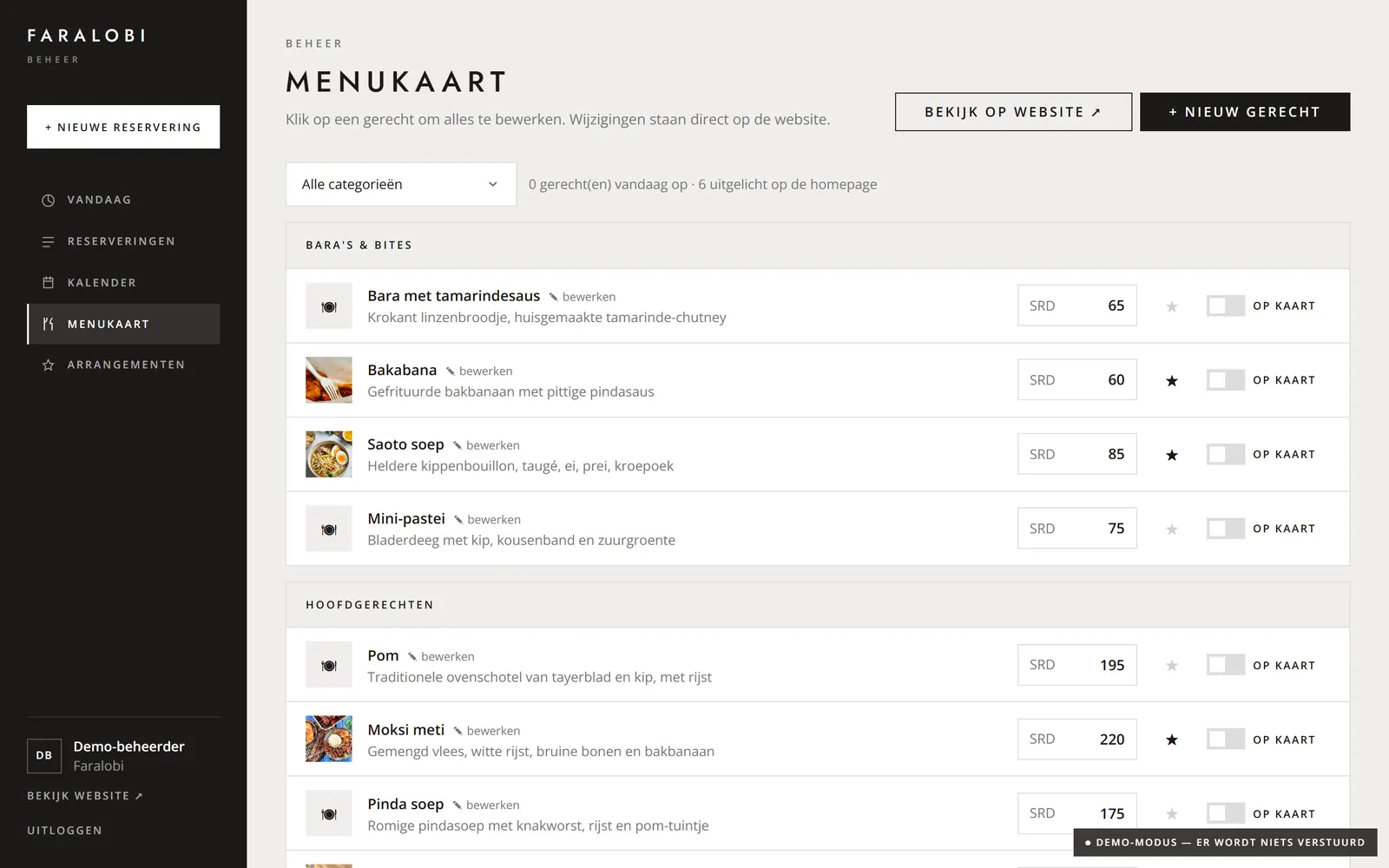
The owner manages prices, photos and availability of dishes. When a dish runs out, one switch takes it off the menu.
What you see: Menu management: a photo and price per dish, a switch for ‘on the menu’ and a star for the dishes shown on the homepage.
Before and after
Sold out means sold out, and the site knows it
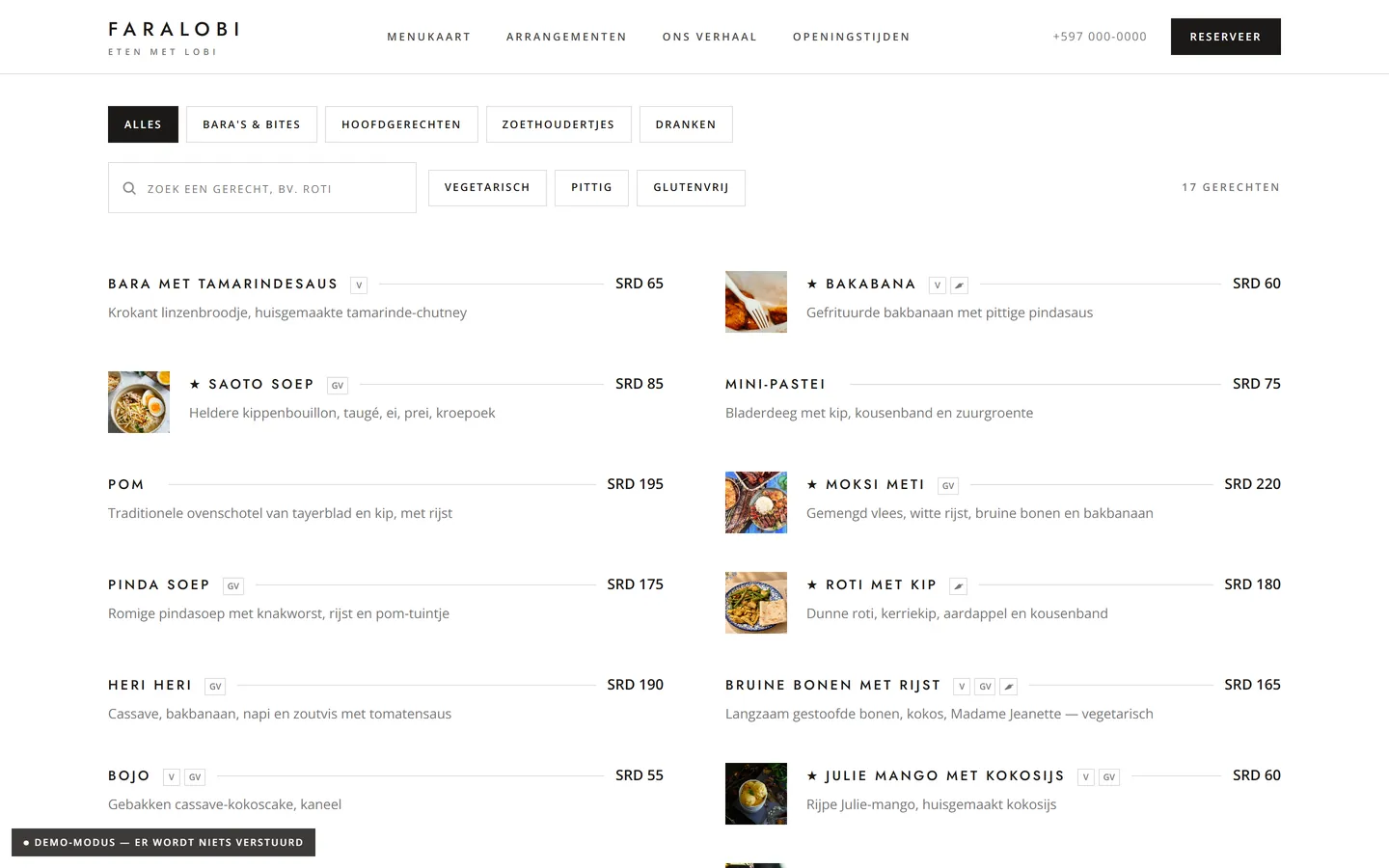
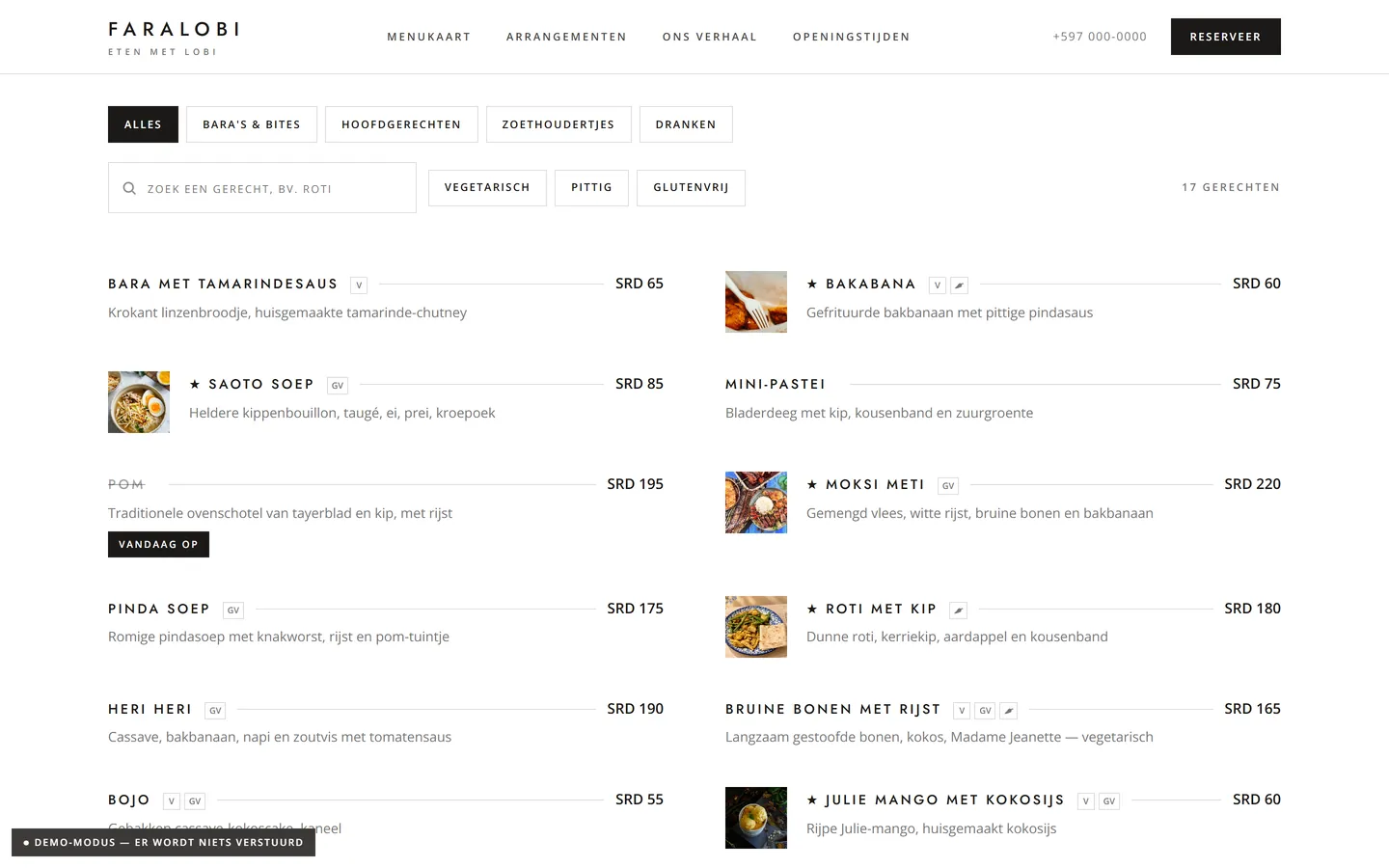
Drag across the image. On the left is the menu as the guest first saw it, on the right right after the owner set the pom to ‘sold out today’.
What you see: The menu on the website: the pom is struck through and labelled ‘sold out today’.
You’re in control
From tasting menu to Christmas menu
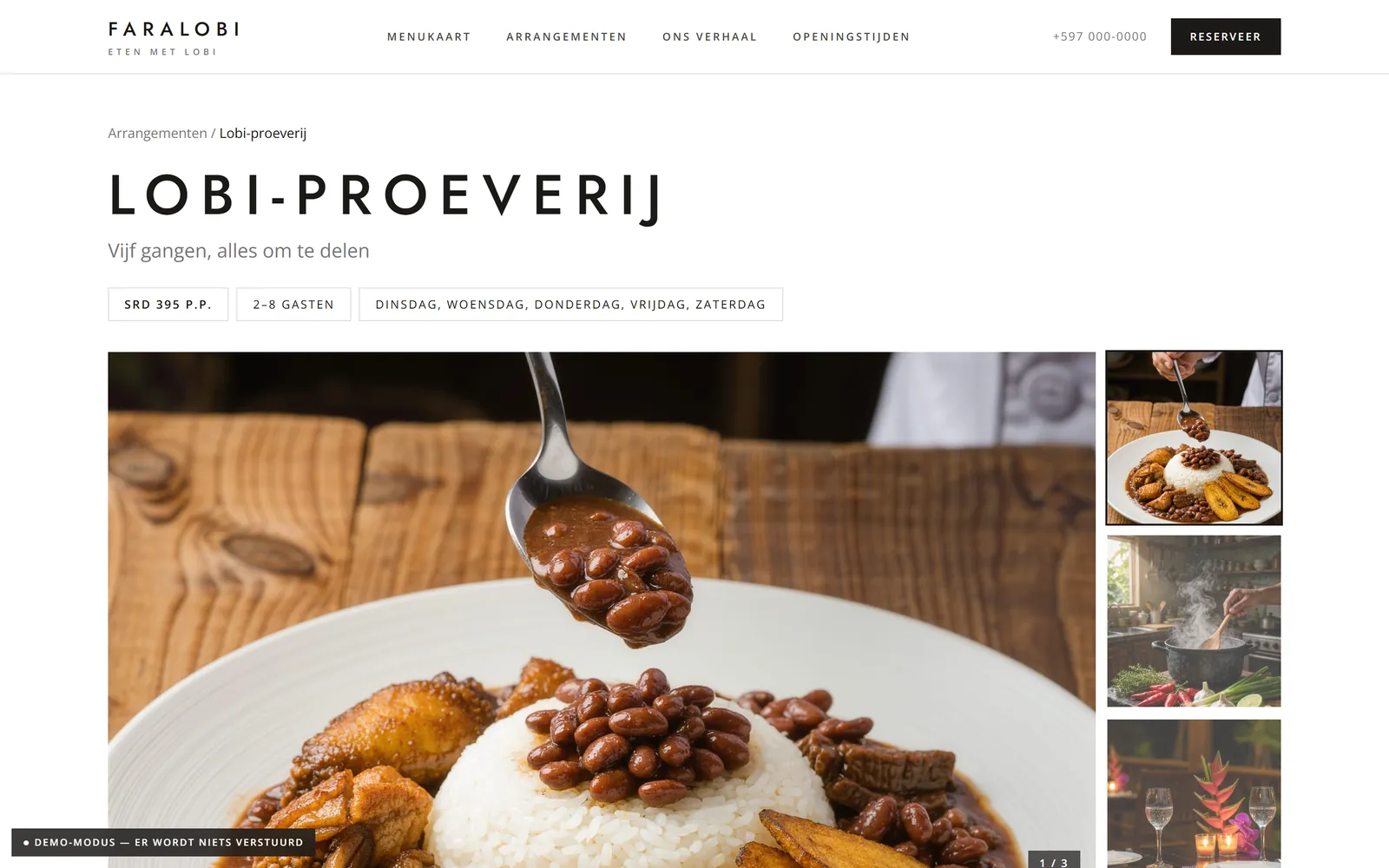
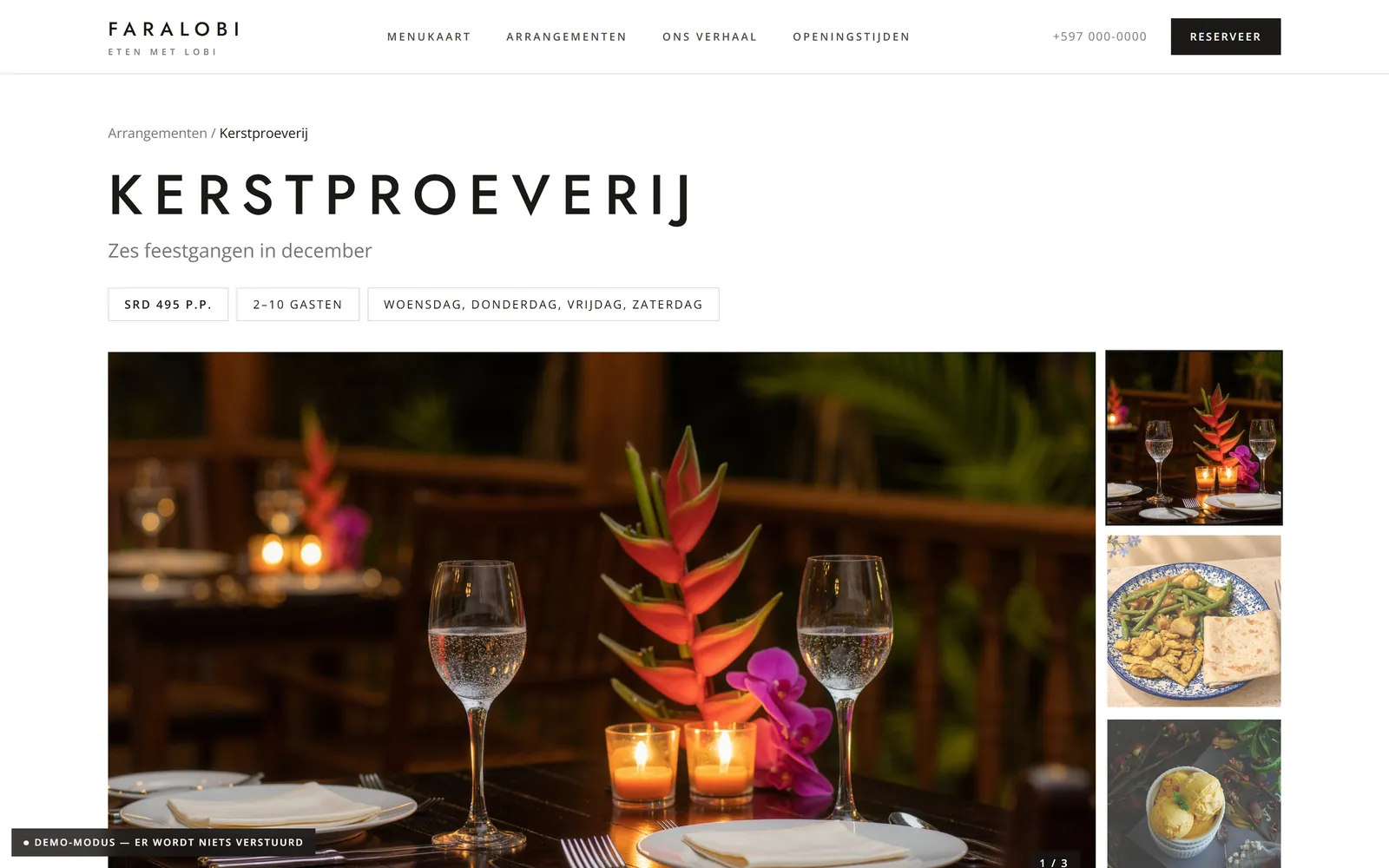
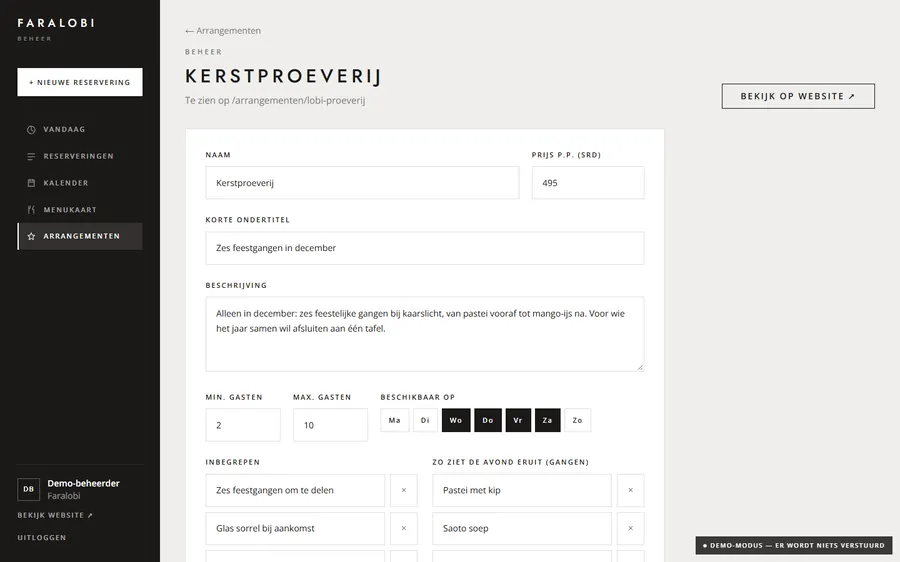
In December Faralobi sells a festive menu. The owner changes the name, photo, description, courses and price in the dashboard. No web developer needed.
What you see: On the left the Lobi tasting menu for SRD 395. On the right the same page as the Christmas tasting menu for SRD 495, with new photos and text.
What it delivers
No more copying
Bookings arrive with date, time, guests and choice, and the owner is notified right away.Sold in advance
Set menus are chosen when booking: higher spend per guest and predictable purchasing.No disappointed guests
Closed days and sold-out dishes show correctly on the site straight away.
Does your business work a little differently too?
Then I’ll build the front end and the back end around it.
Start your project